Yonnect
Total Managing System
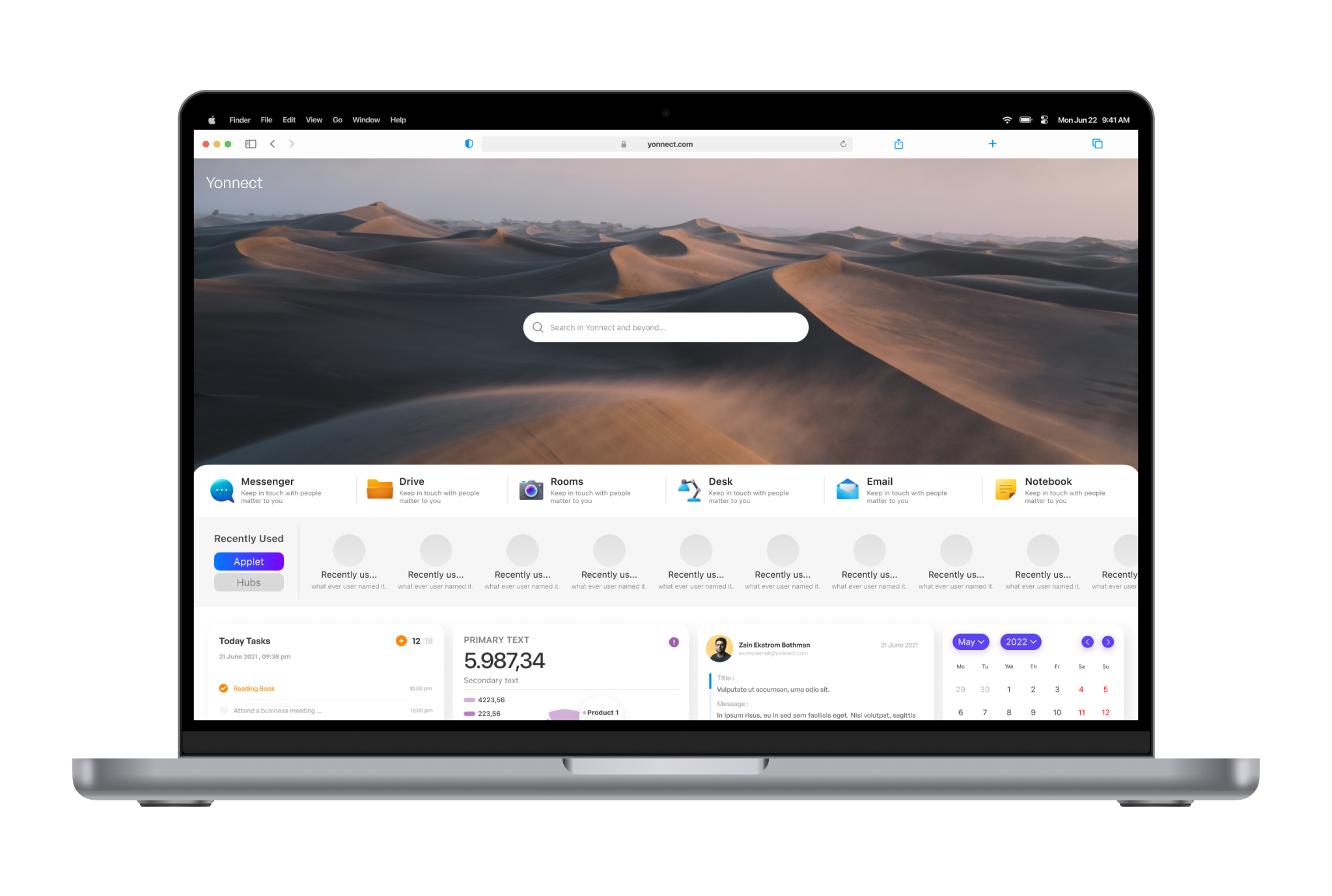
Unify your world with a single app—seamlessly managing your business, education, and personal life. Experience the ease of handling diverse needs, from projects to classes, all in one place.
Overview
What is Yonnect?
Yonnect, the flagship project of Eletive, was a groundbreaking startup initiative. Our primary goal was to create a robust and consistent platform from scratch, given the immense scale of the project.
My Role
Sprint Lead for design development and prototyping, Evaluated Research Insights and Developed features, Lead development of UI and High Fidelity Design.
Team
Gedrich Mohseni, Pouya Pezhman, Reza Salek, Parna Azizi, Sharhrzad Serajpour, Hossein Morshedy
Tools
Figma, Figjam, Photoshop, Illustrator
Competition Analysis
We conducted comprehensive surveys and extensive competitive research to identify the most pressing challenges users face. Our goal is to enhance our platform by addressing these issues and delivering an improved user experience based on valuable insights gathered from our thorough analysis.
Inconsistent Design
Lack of consistency in design elements, such as buttons, navigation, and color schemes, can lead to confusion and hinder the learning curve for users.
Limited Customization
Users may struggle with systems that offer limited customization options, preventing them from tailoring the interface to their specific workflows and preferences.
Inadequate Feedback
Users need feedback to understand the outcomes of their actions. Lack of clear feedback, such as confirmation messages or error notifications, can lead to uncertainty and frustration.
Long Learning Curve
Systems that are difficult to learn and use can result in a steep learning curve for new users, leading to resistance and decreased productivity.
Mobile Responsiveness
In an increasingly mobile-centric world, if the system lacks mobile responsiveness or has a suboptimal mobile interface, users may face challenges accessing and managing information on the go.
Inefficient Workflows
Poorly designed workflows can disrupt the natural progression of tasks, leading to frustration and decreased efficiency.
Solutions
Unified Interface
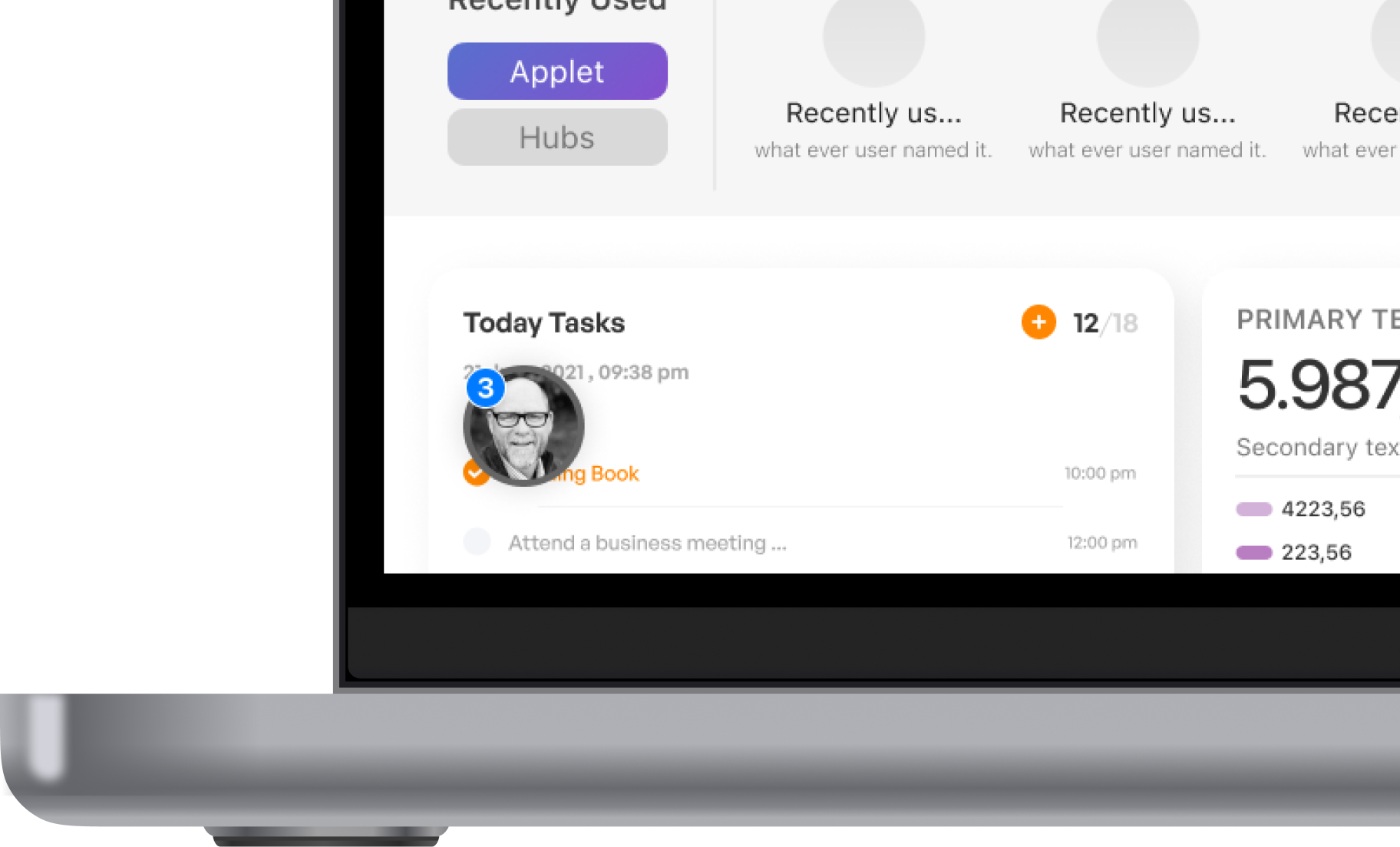
Integrate diverse tools seamlessly into a unified interface for a cohesive user experience, eliminating the need to switch tabs for different functionalities.
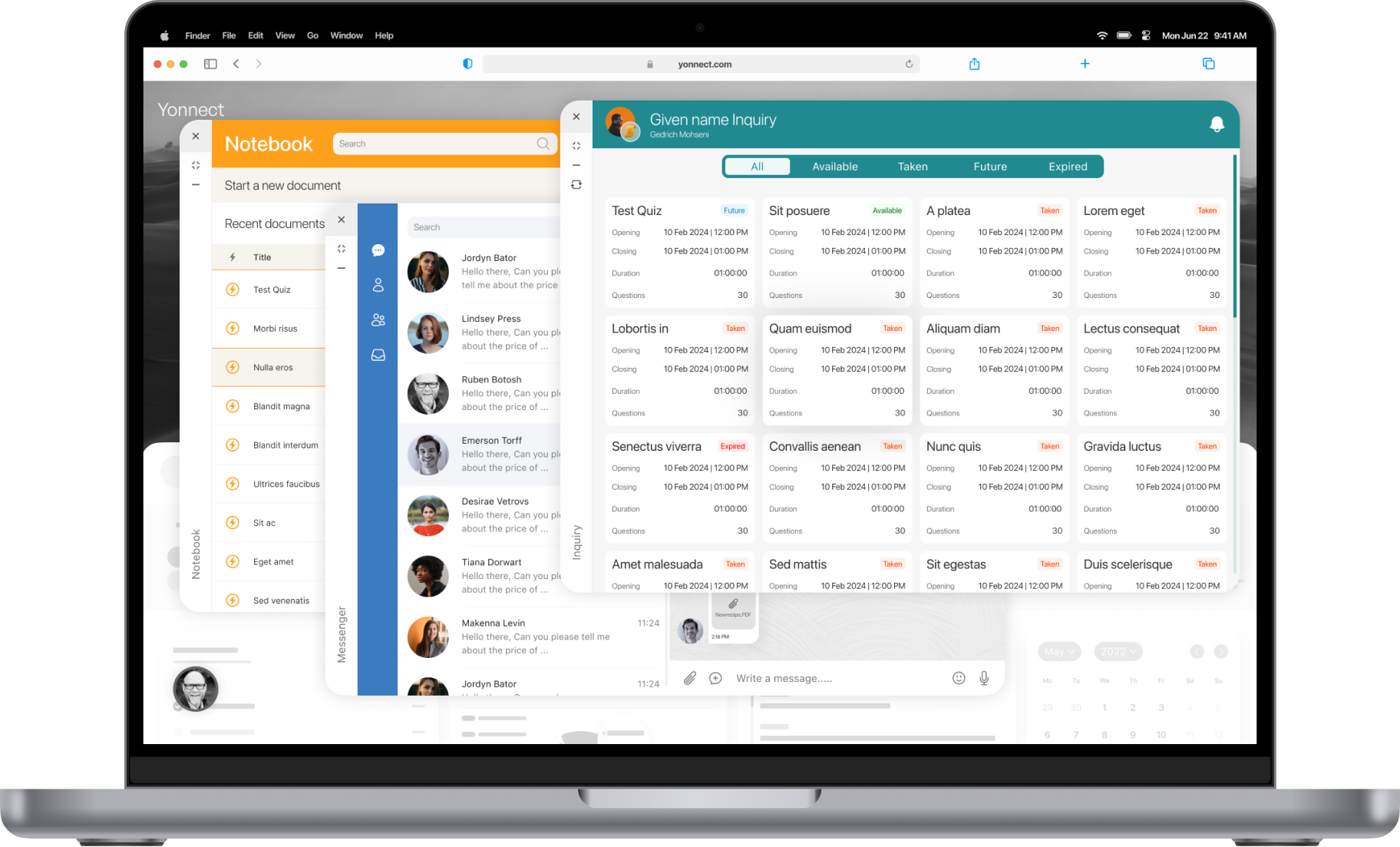
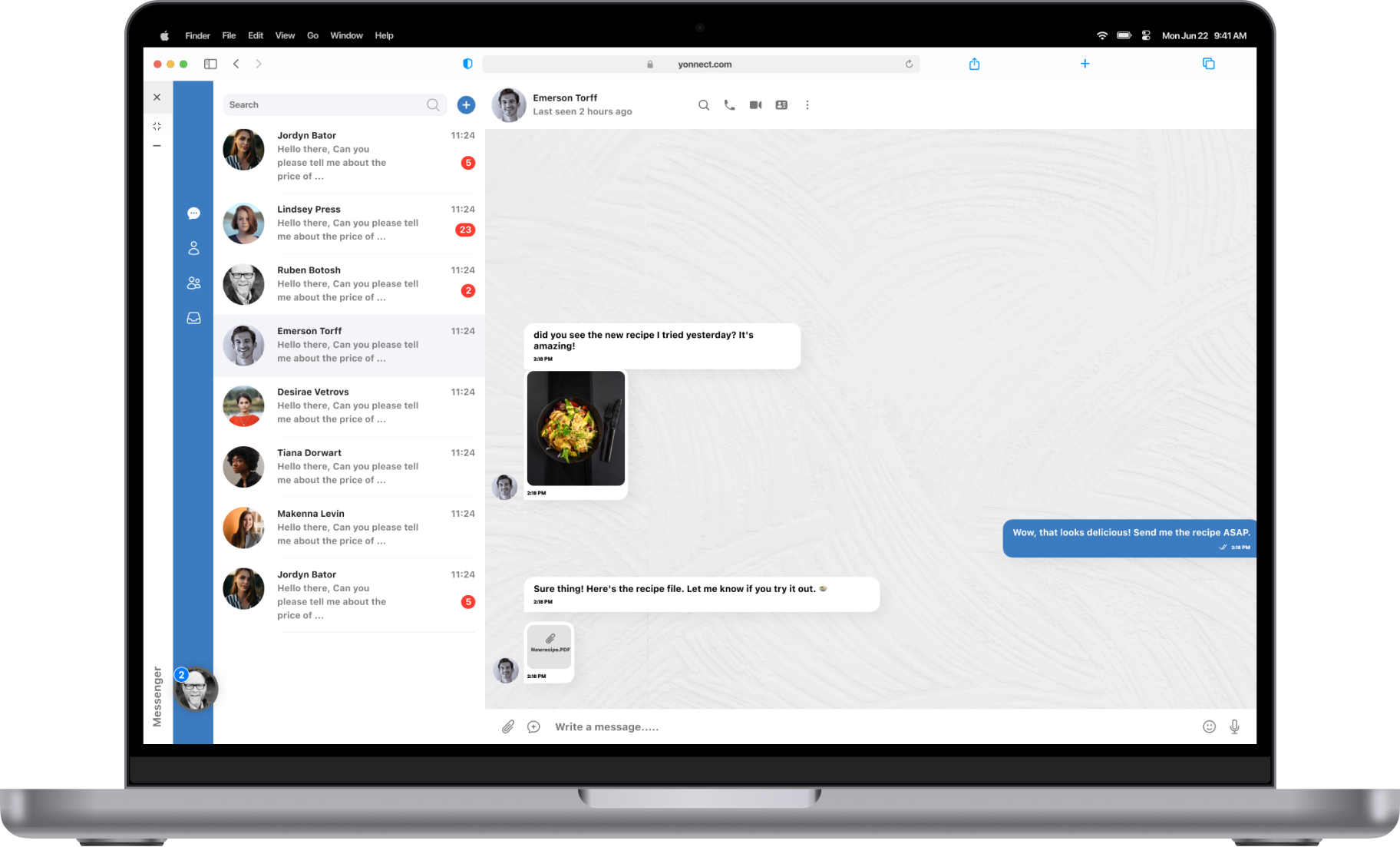
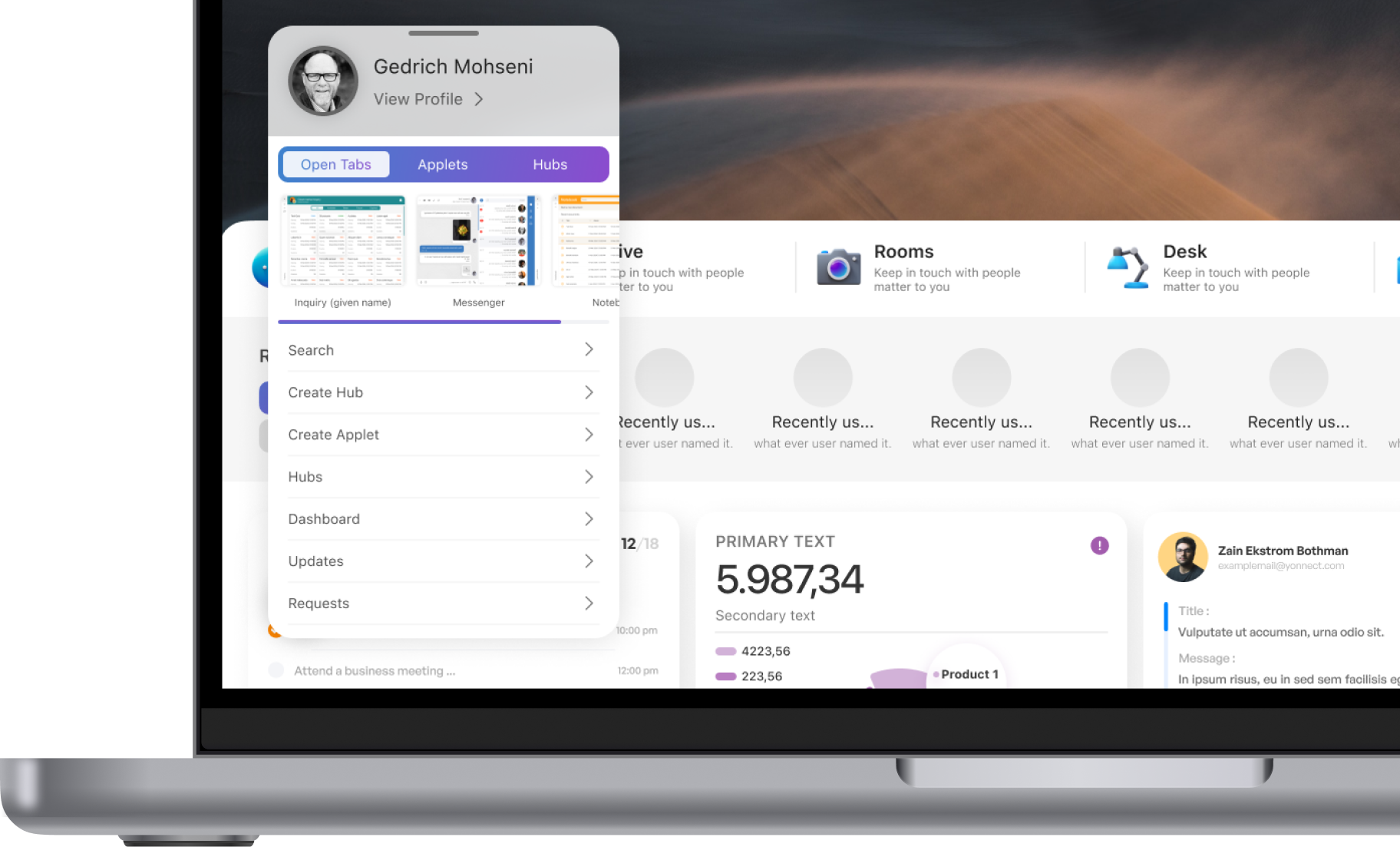
Revolutionizing web design, we've seamlessly integrated the OS window concept, offering users immediate access to everything. Simplify their experience with the ability to minimize and maximize windows at will.
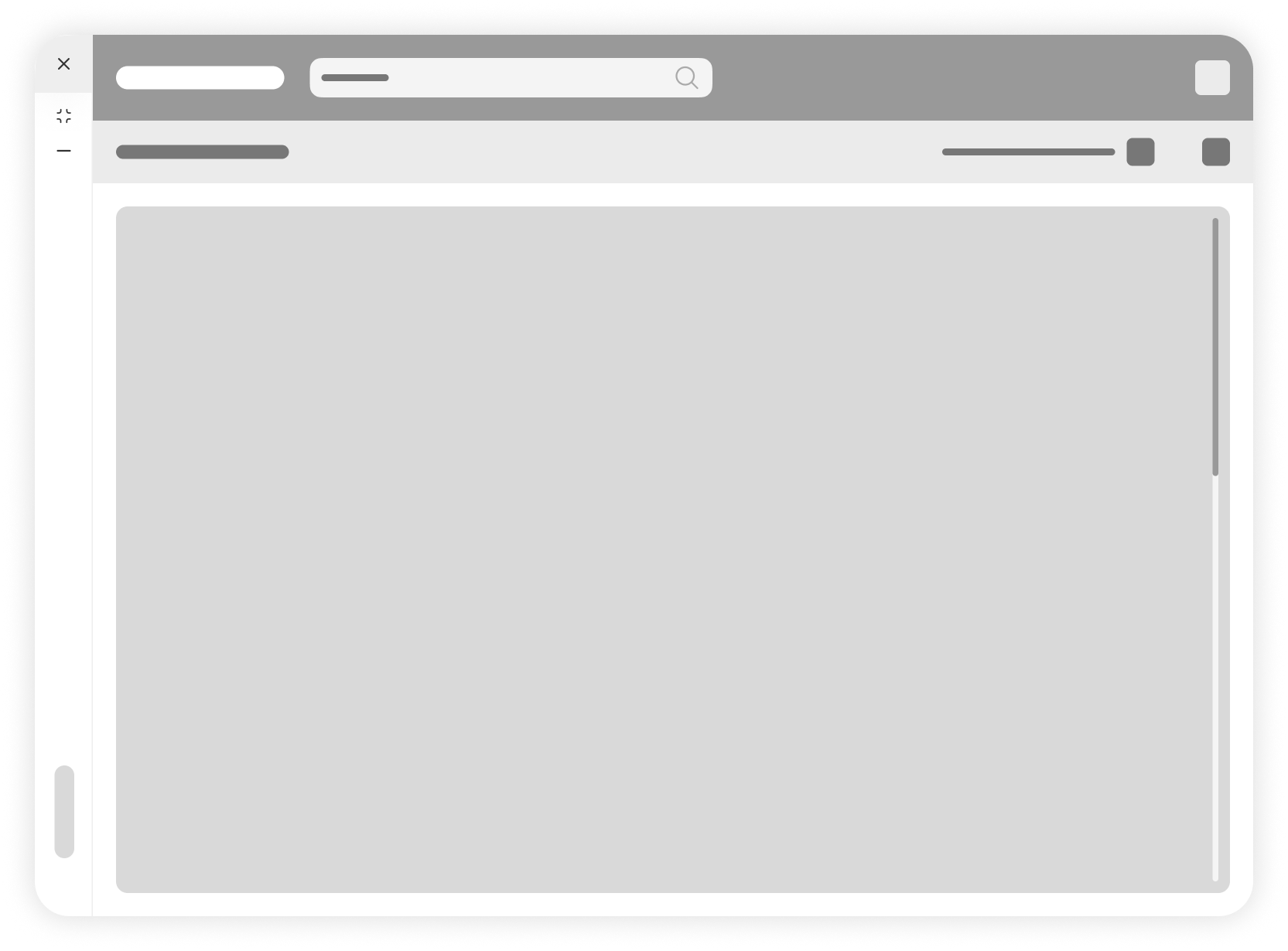
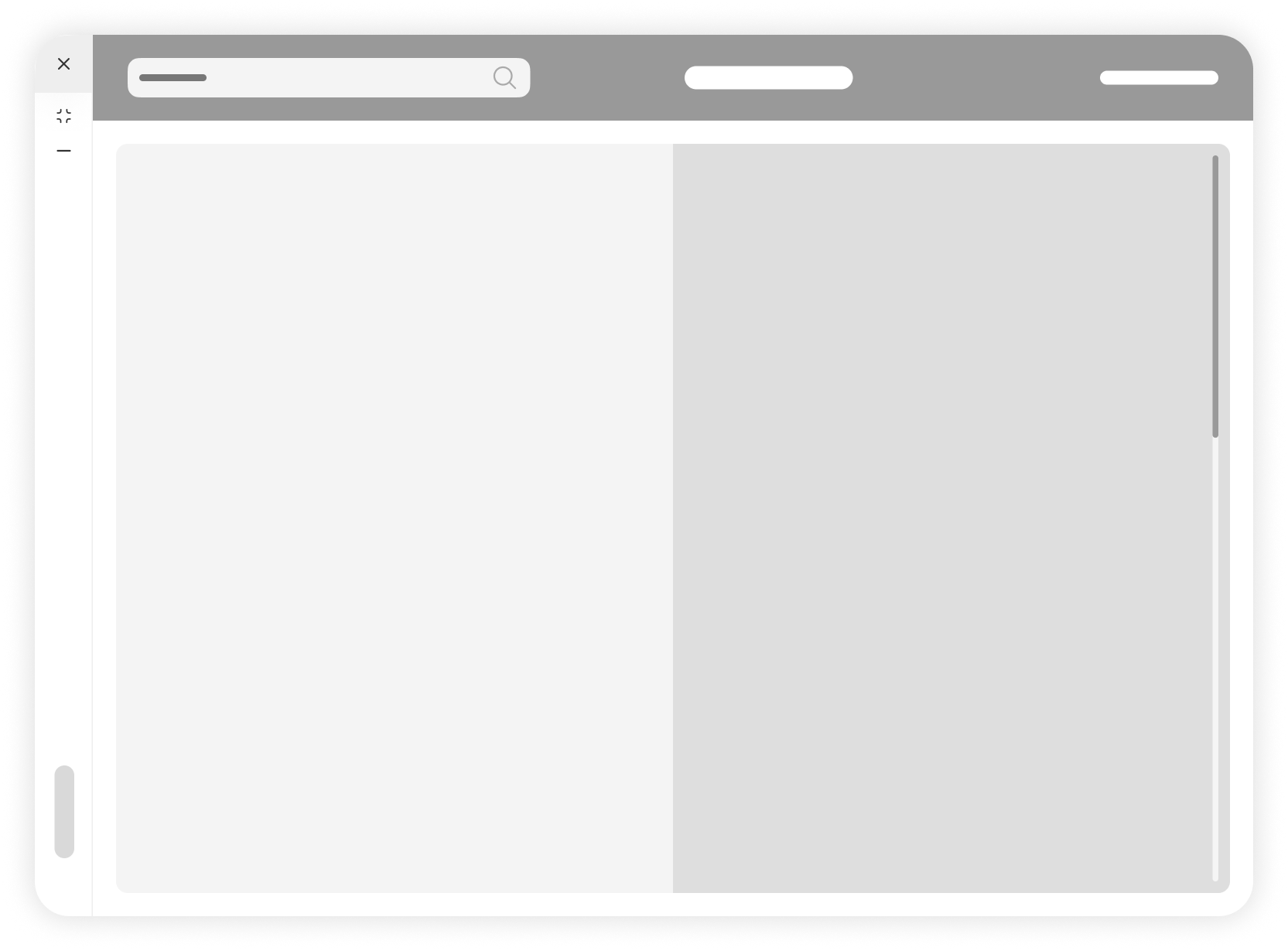
Unified wireframes
Clarity and Consensus : They provide a clear and detailed overview of the project, allowing all stakeholders to reach a consensus on the design and functionality before any coding starts.
Efficiency : By addressing potential usability issues early in the design phase, unified wireframes can save time and resources during development.
Consistency: They help ensure consistency across different parts of the website or application, as they allow designers to plan navigation, layout, and interactions in a holistic manner.
Full customization
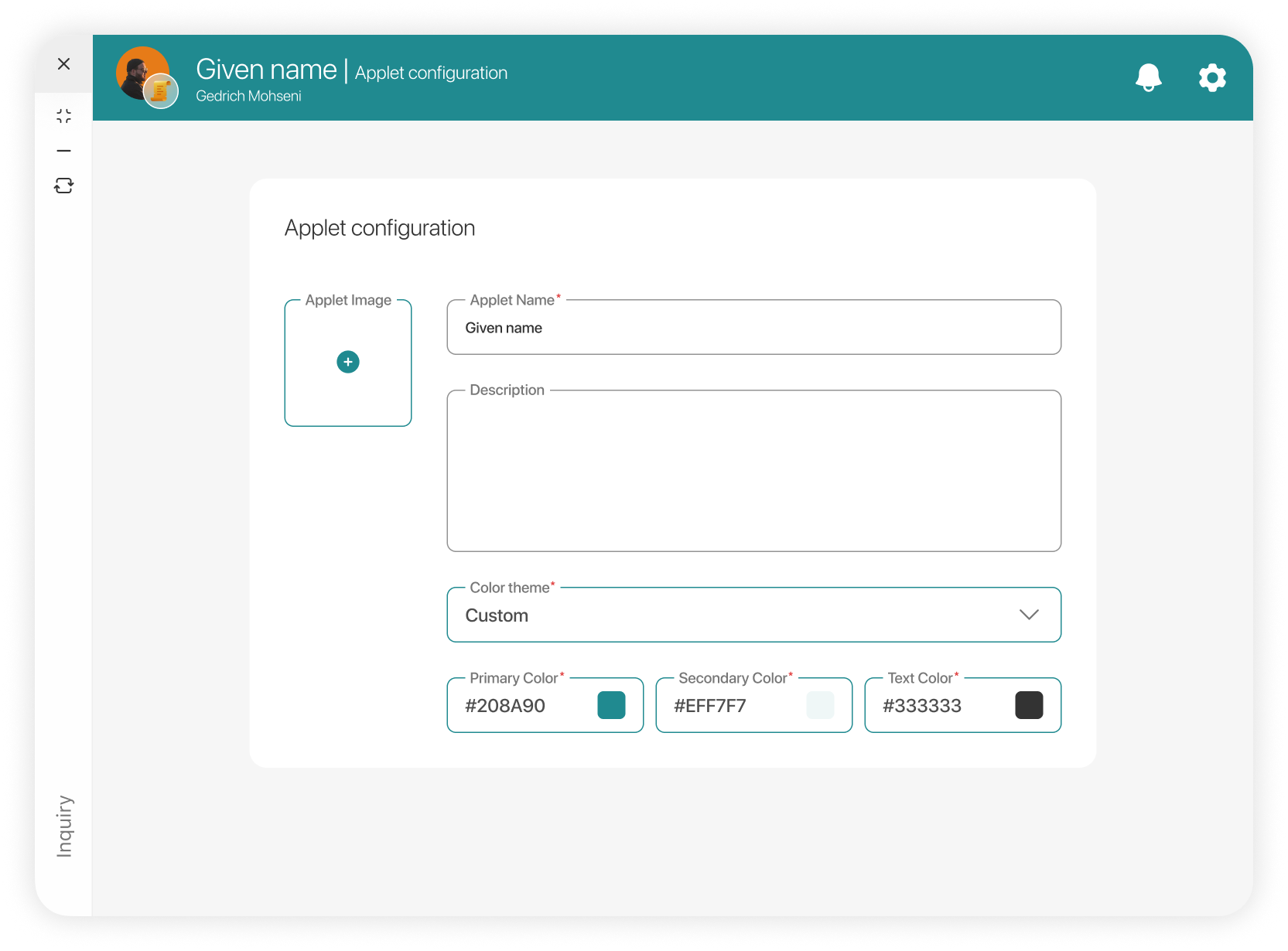
Theme customization : Allow users to personalize applets and hubs by modifying colors and text to suit their preferences.
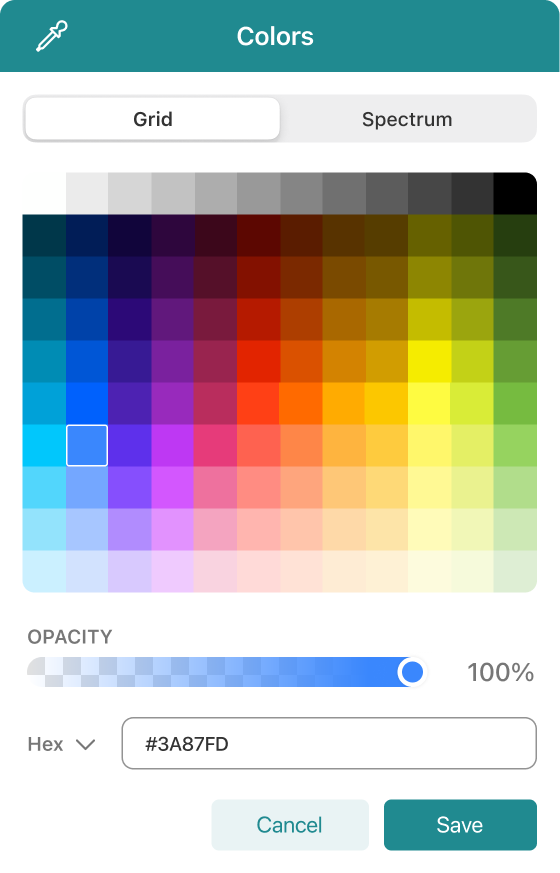
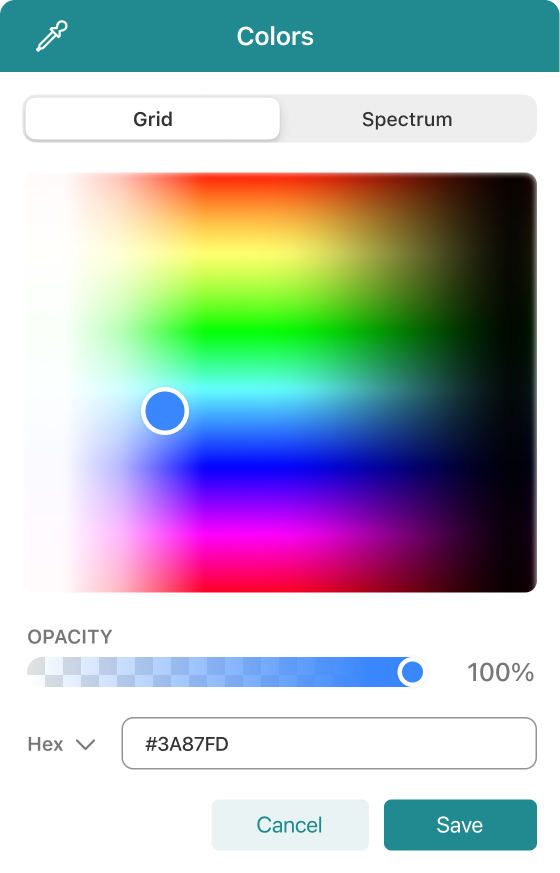
Workflow customization : Users can tailor the default workflow pipeline according to their needs, enhancing flexibility and efficiency.
Flexible Arrangement : Adopt a window-based design system, enabling users to organize their workspace in a manner that mimics an operating system environment, catering to individual preferences.
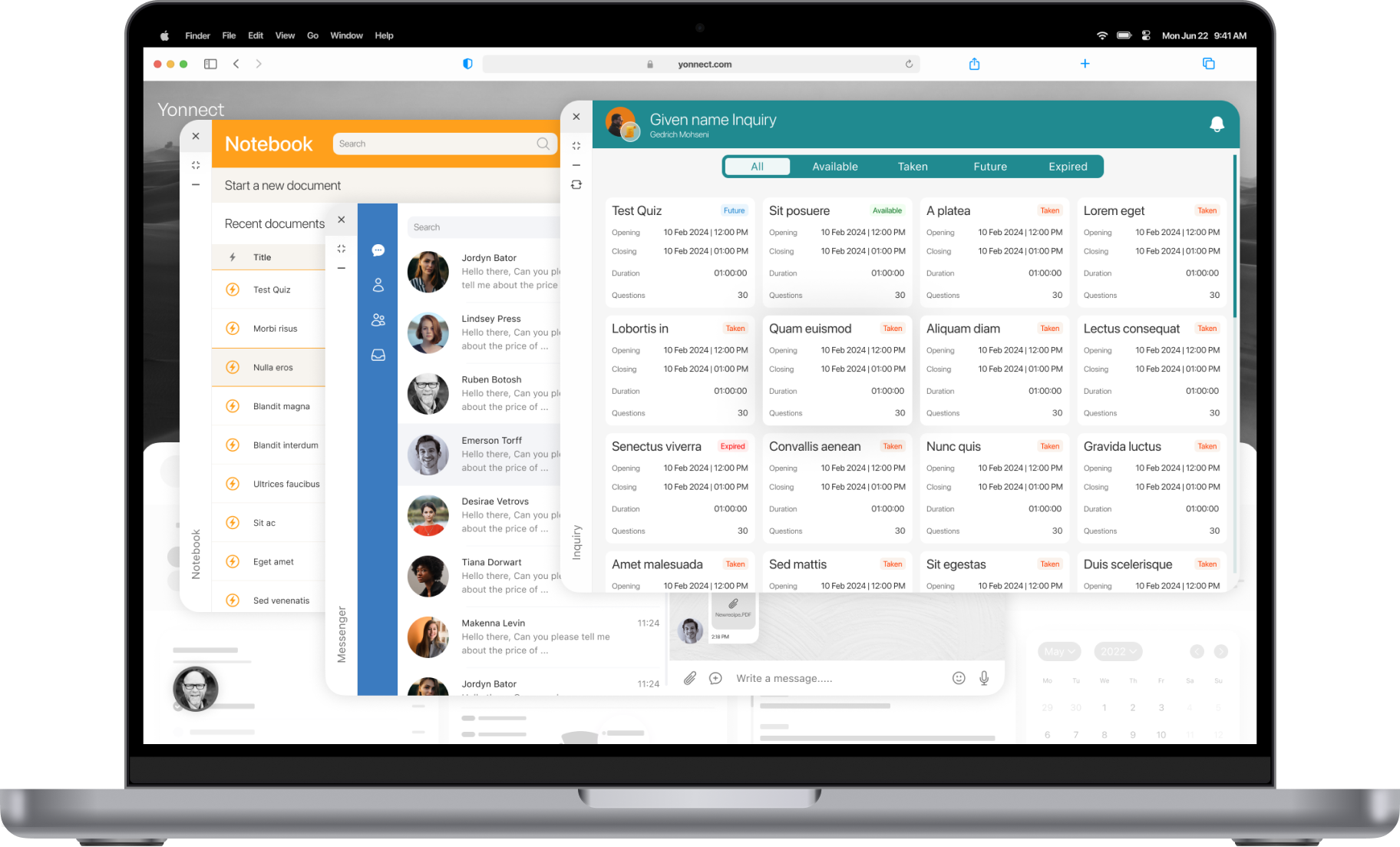
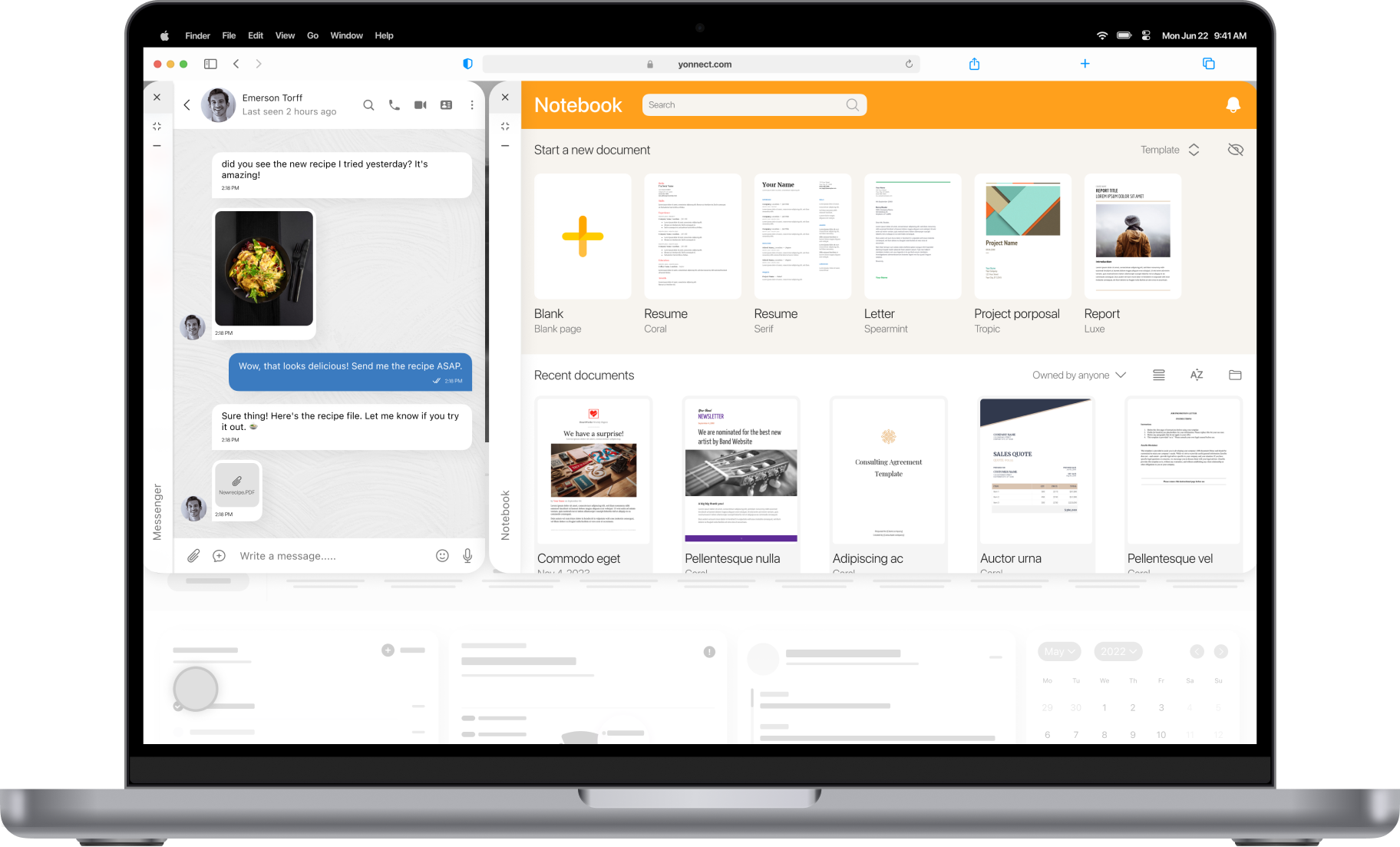
Familiarity :Leveraging the familiar platform-based design concep, we've seamlessly integrated it into the web universe. This approach minimizes complexity, ensuring users navigate the platform with ease.
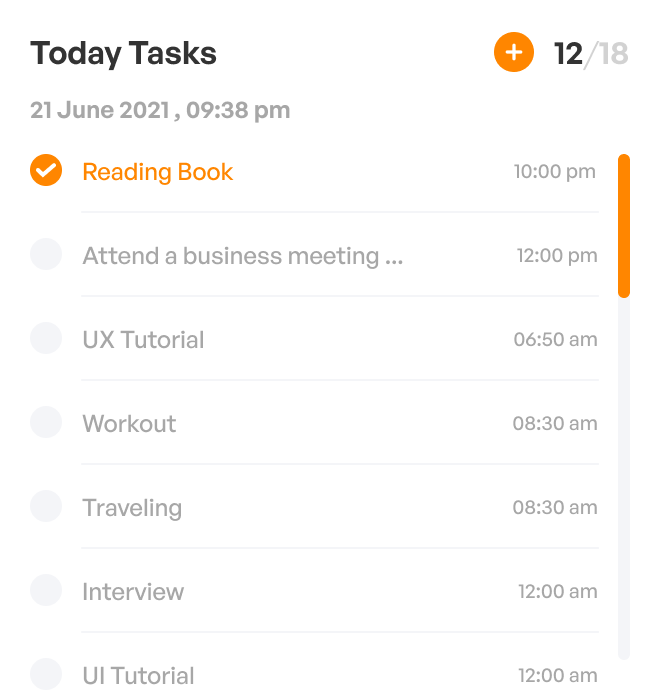
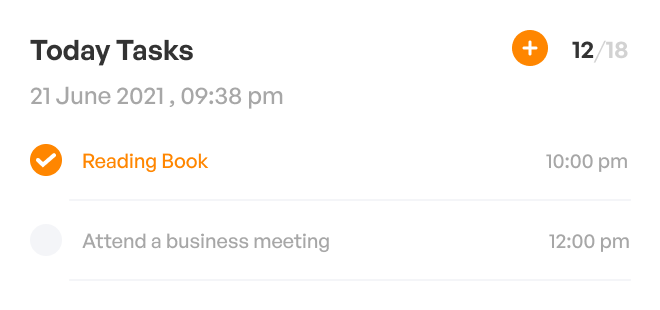
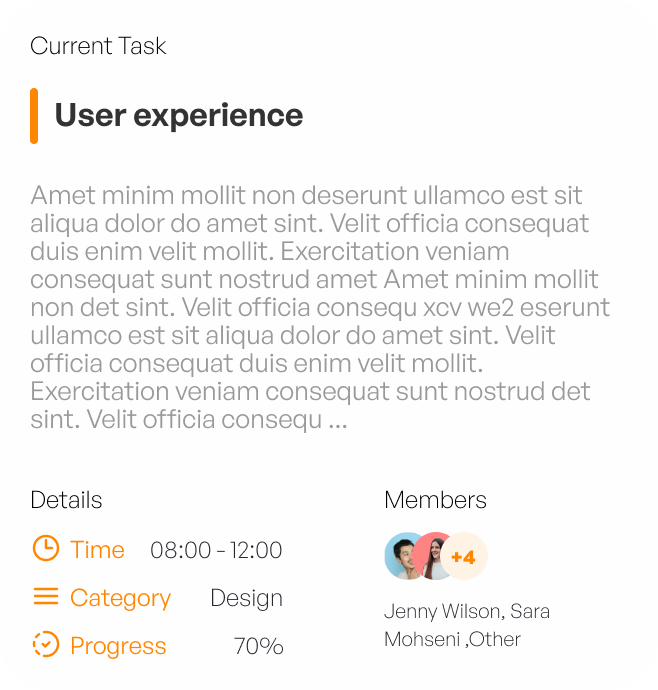
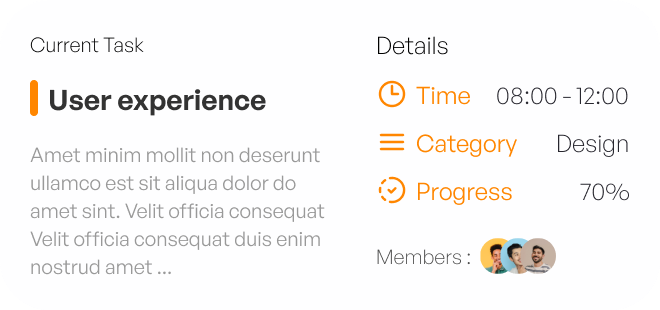
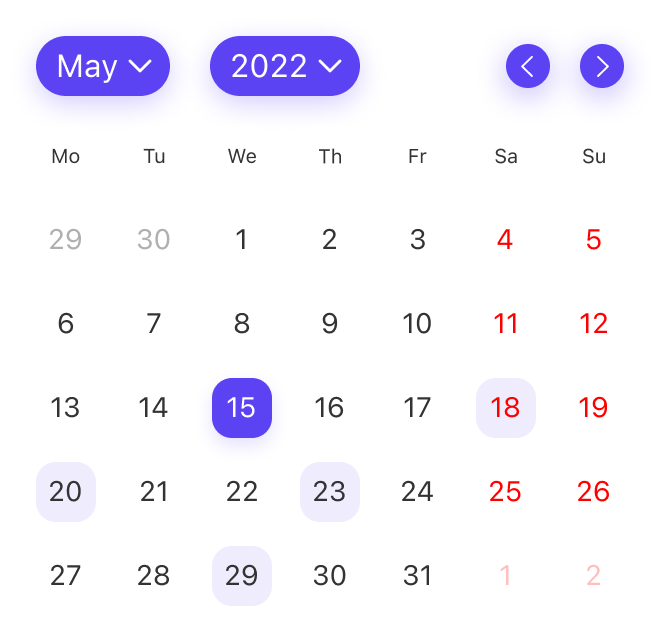
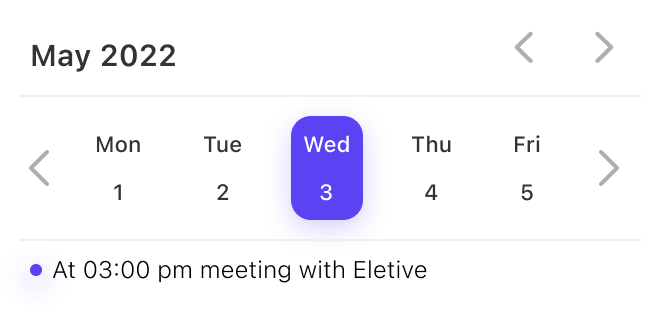
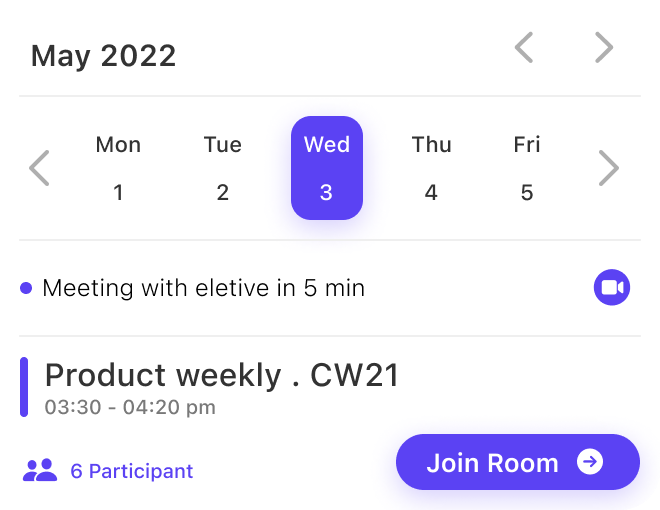
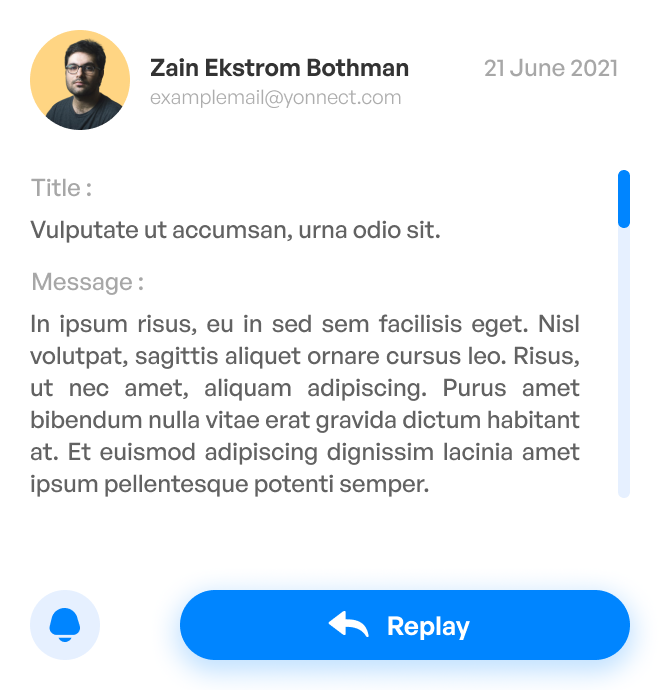
Widgets designs
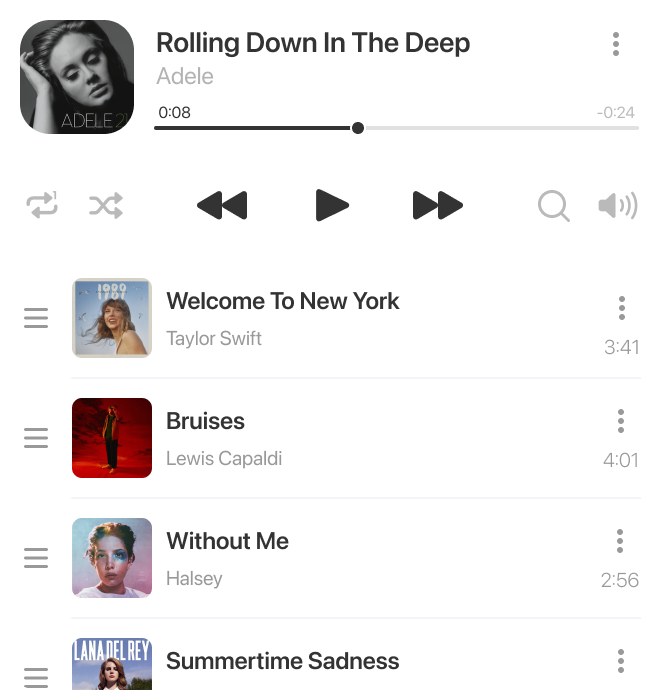
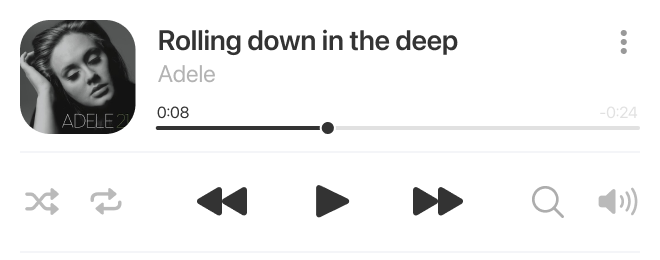
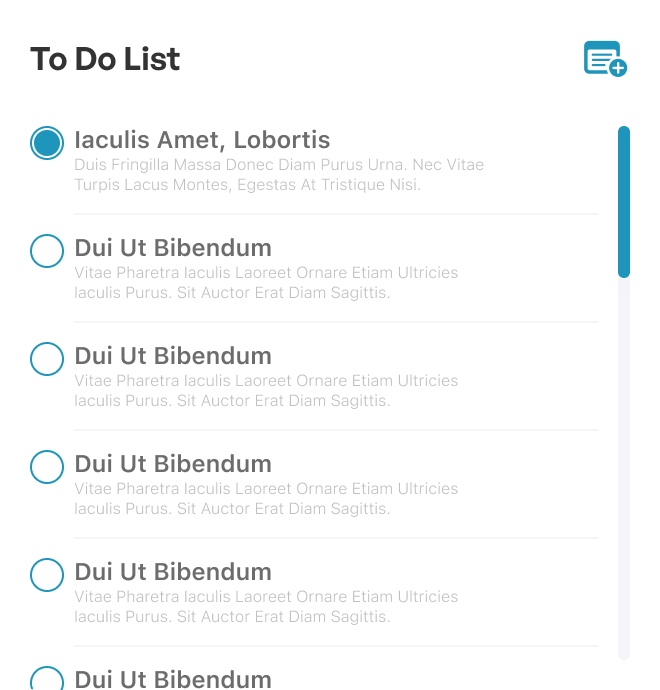
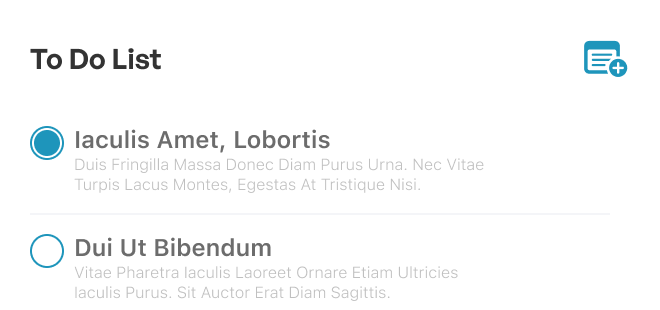
Applet designs
I'll be presenting three key applets from our platform. While I can't cover everything, these highlights will give you a good sense of what we offer.
Messenger Applet
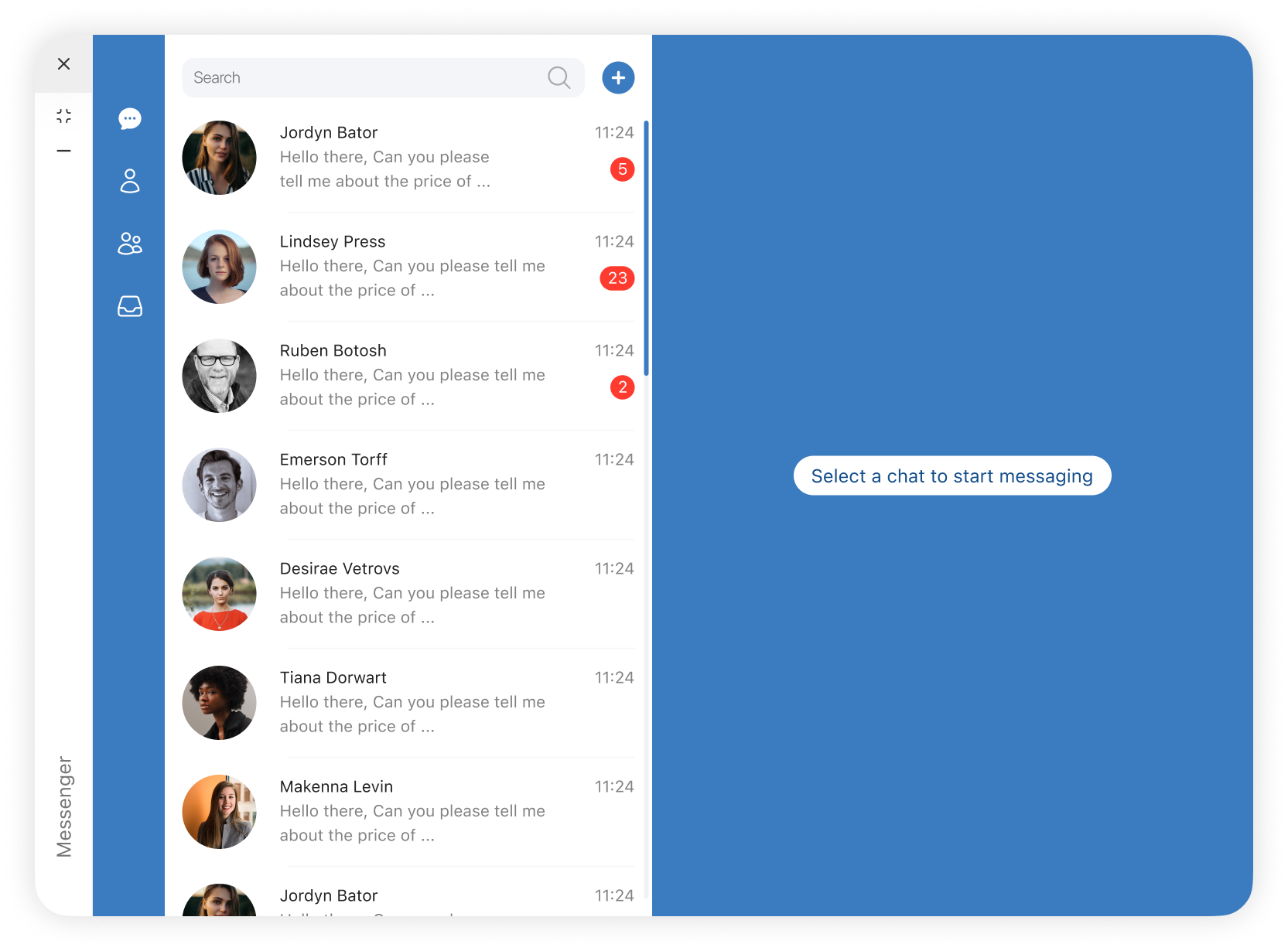
Start Page
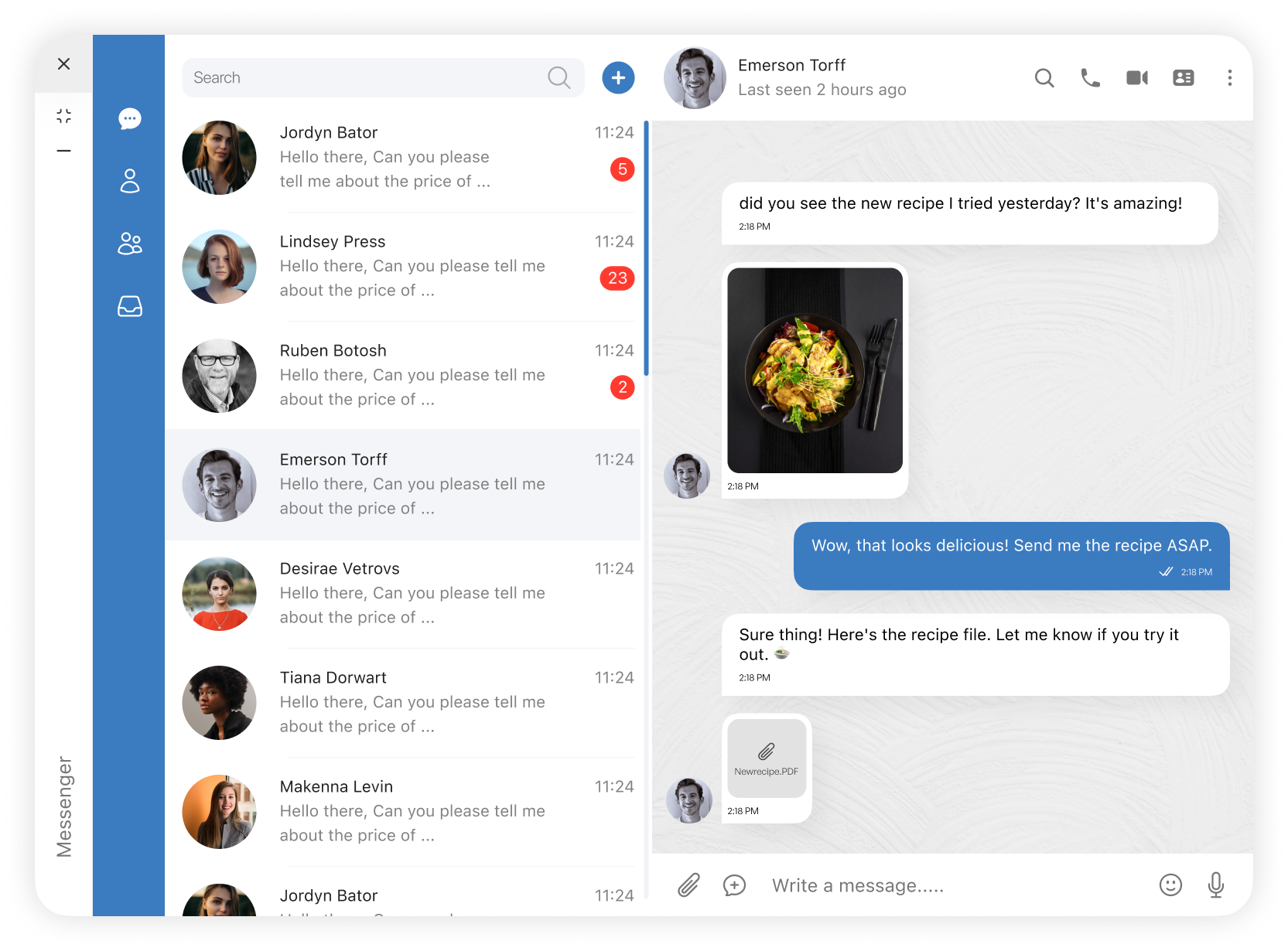
Chat Selected
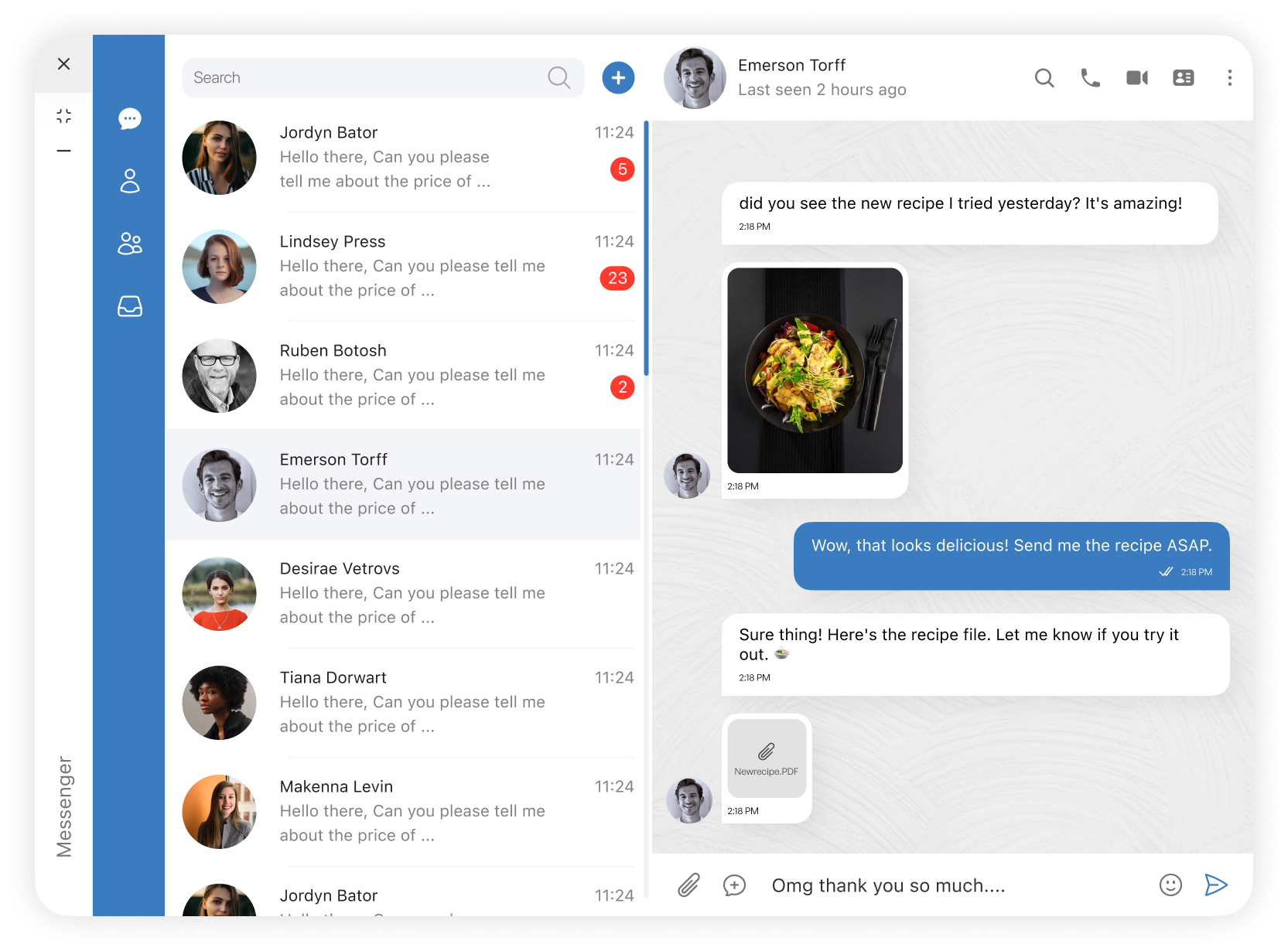
Writing
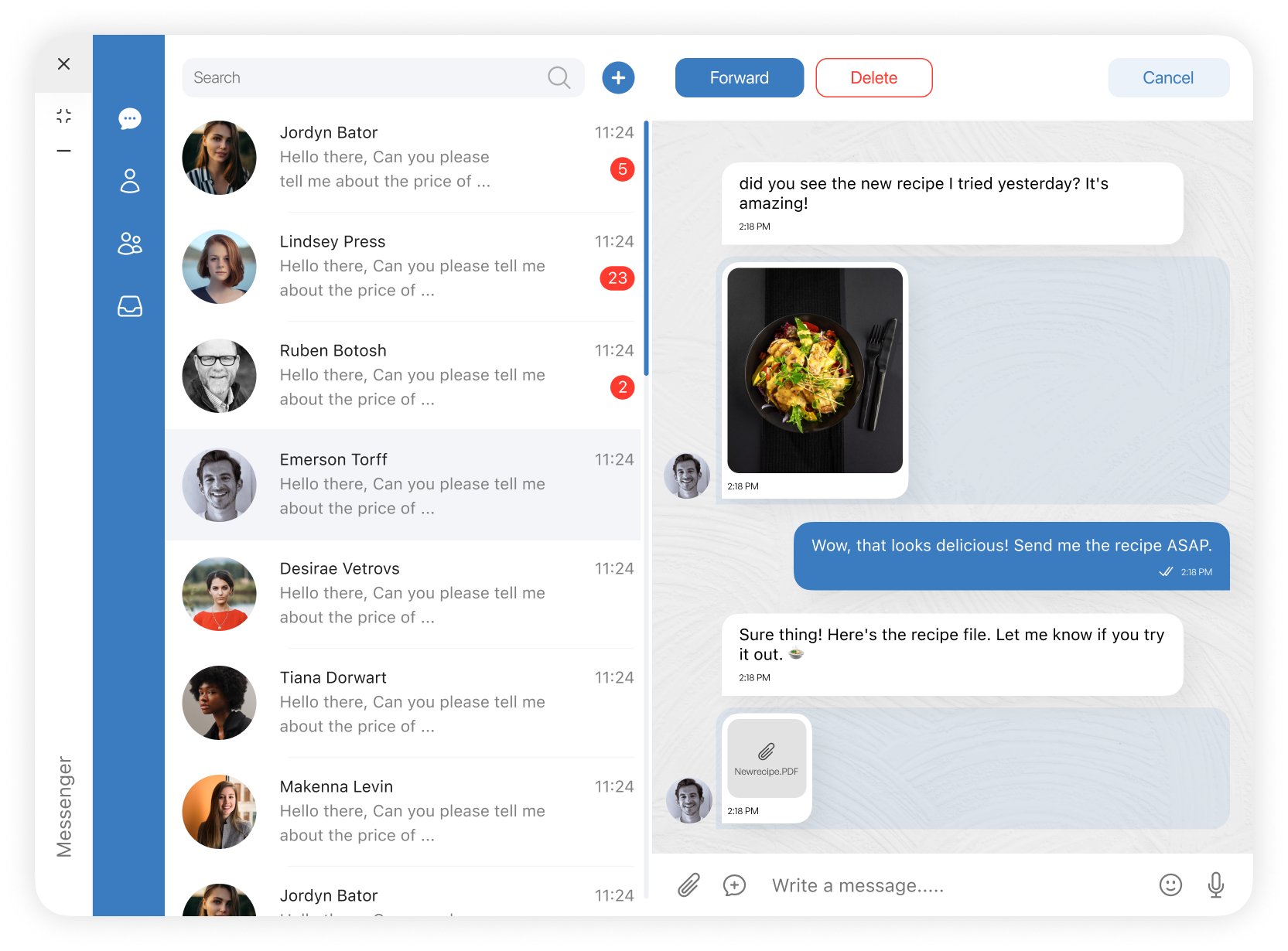
Select Chat
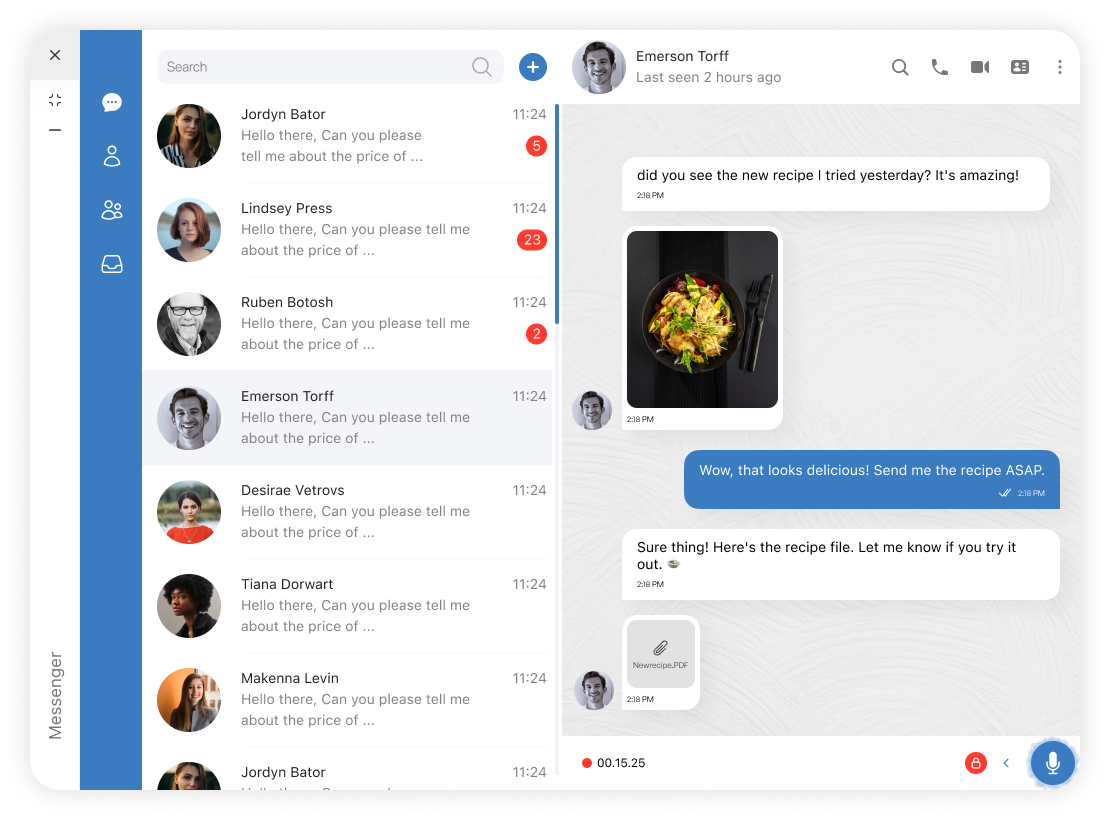
Voice Recoding
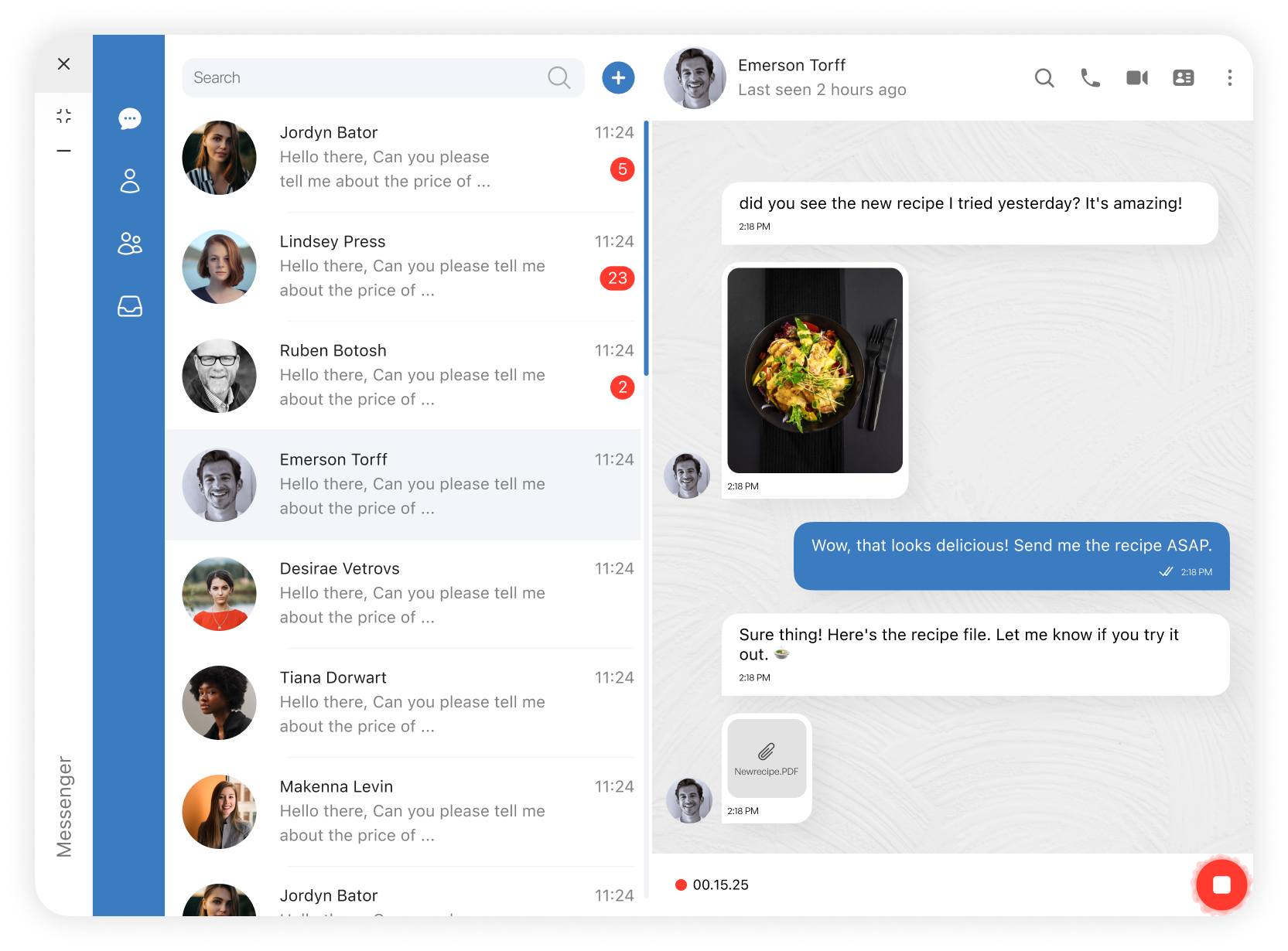
Voice Recoding on Lock
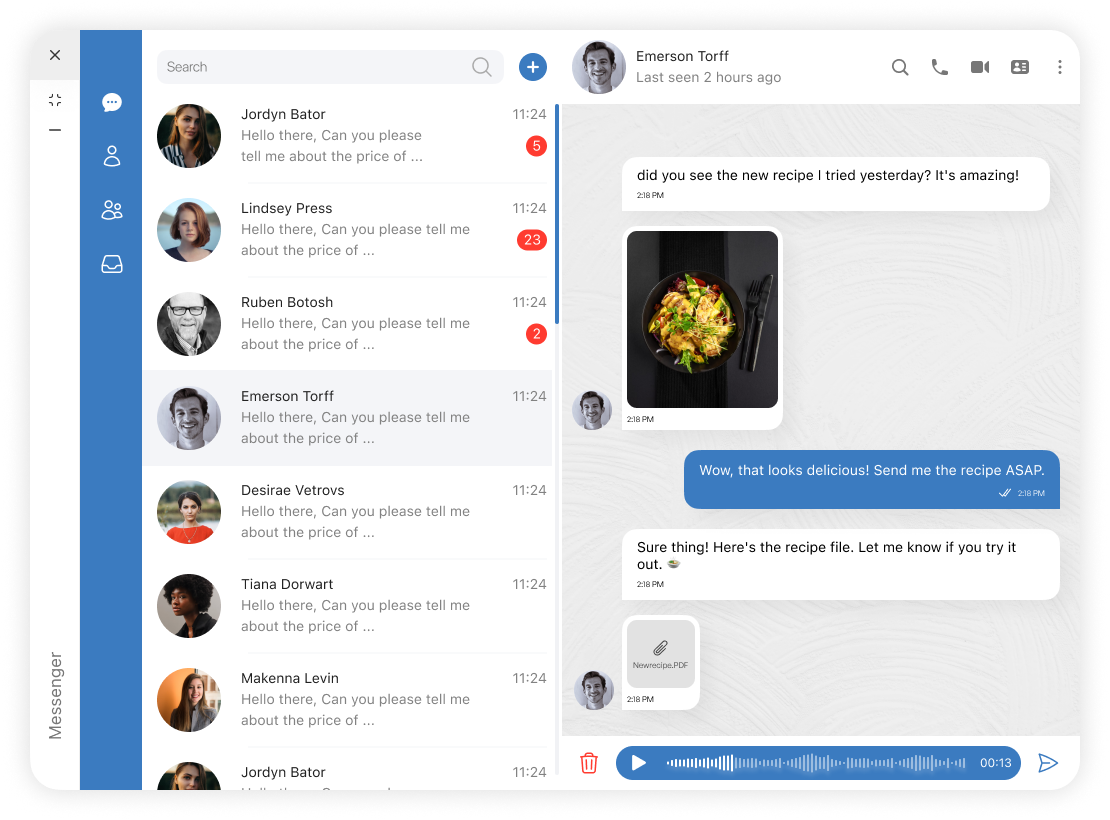
Voice Record Leave
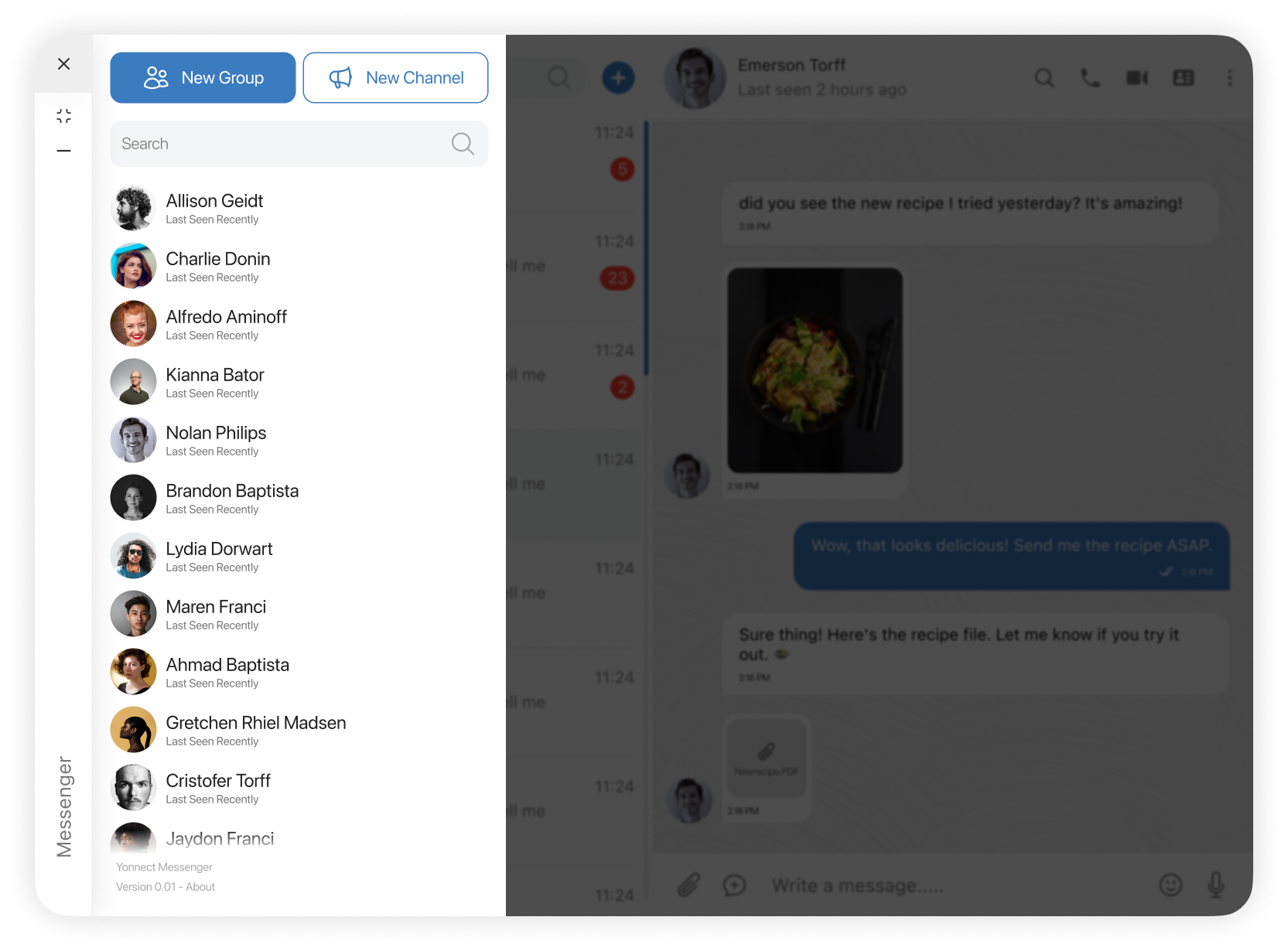
Add Chat
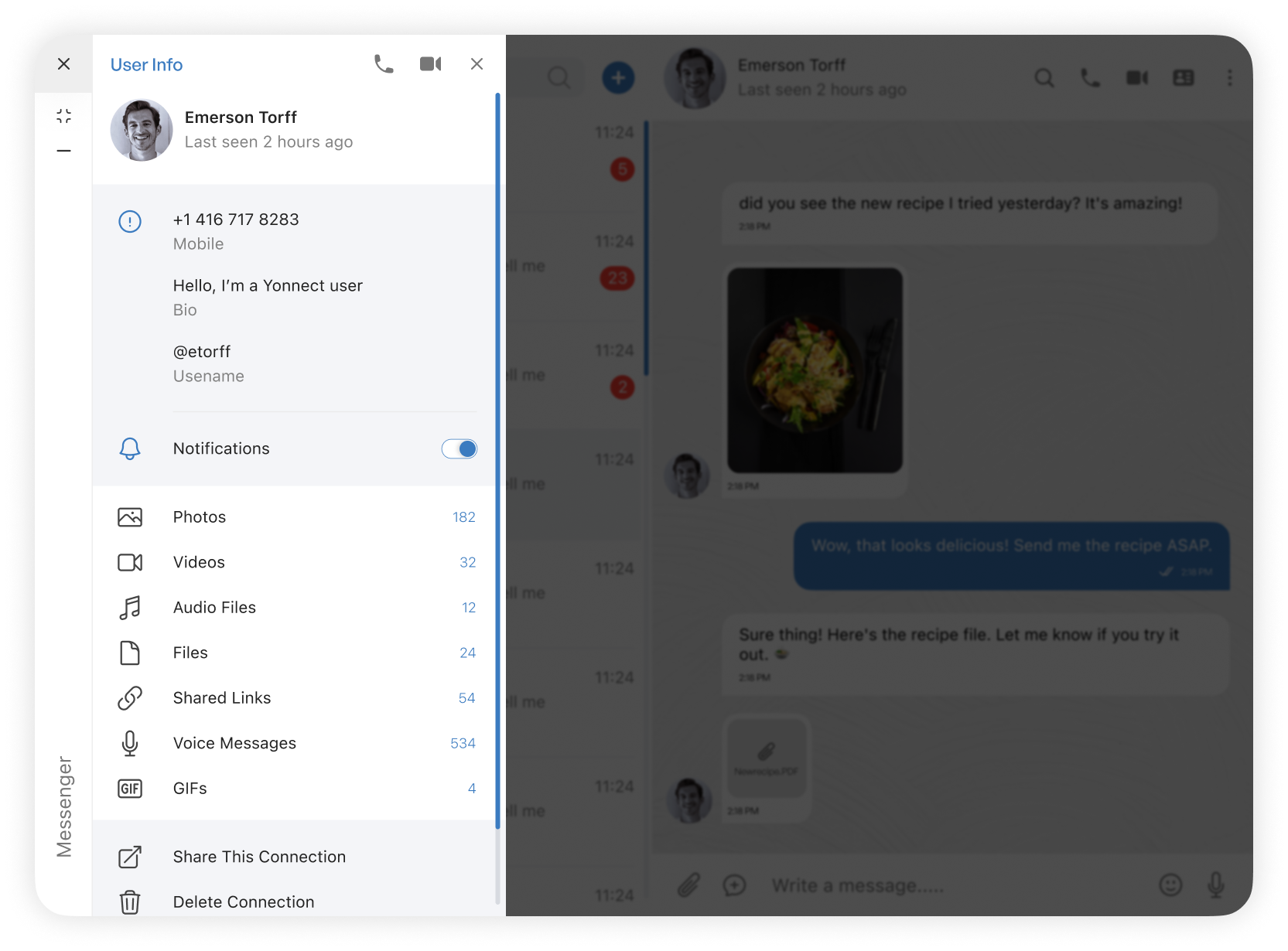
User Info
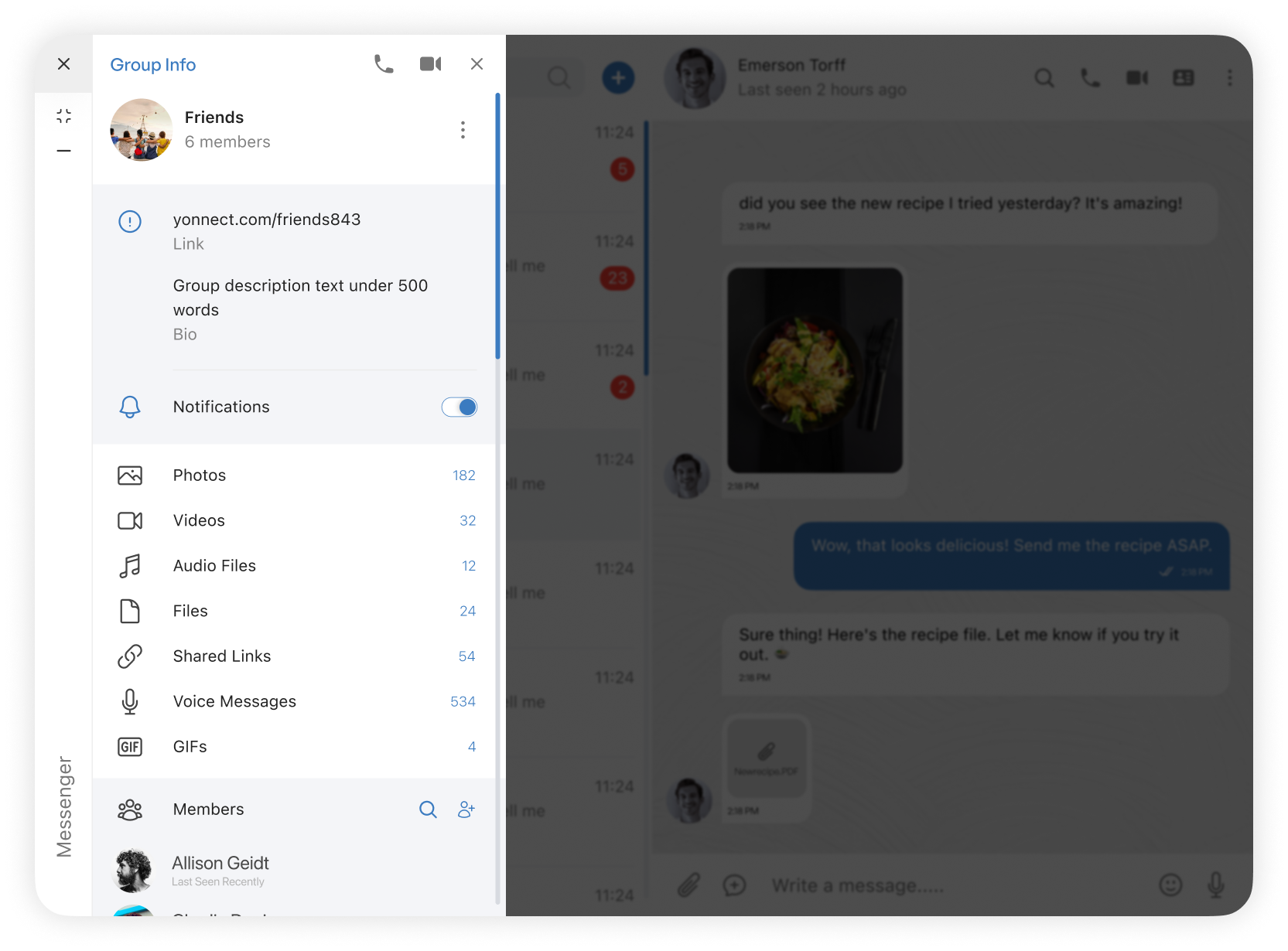
Group Info
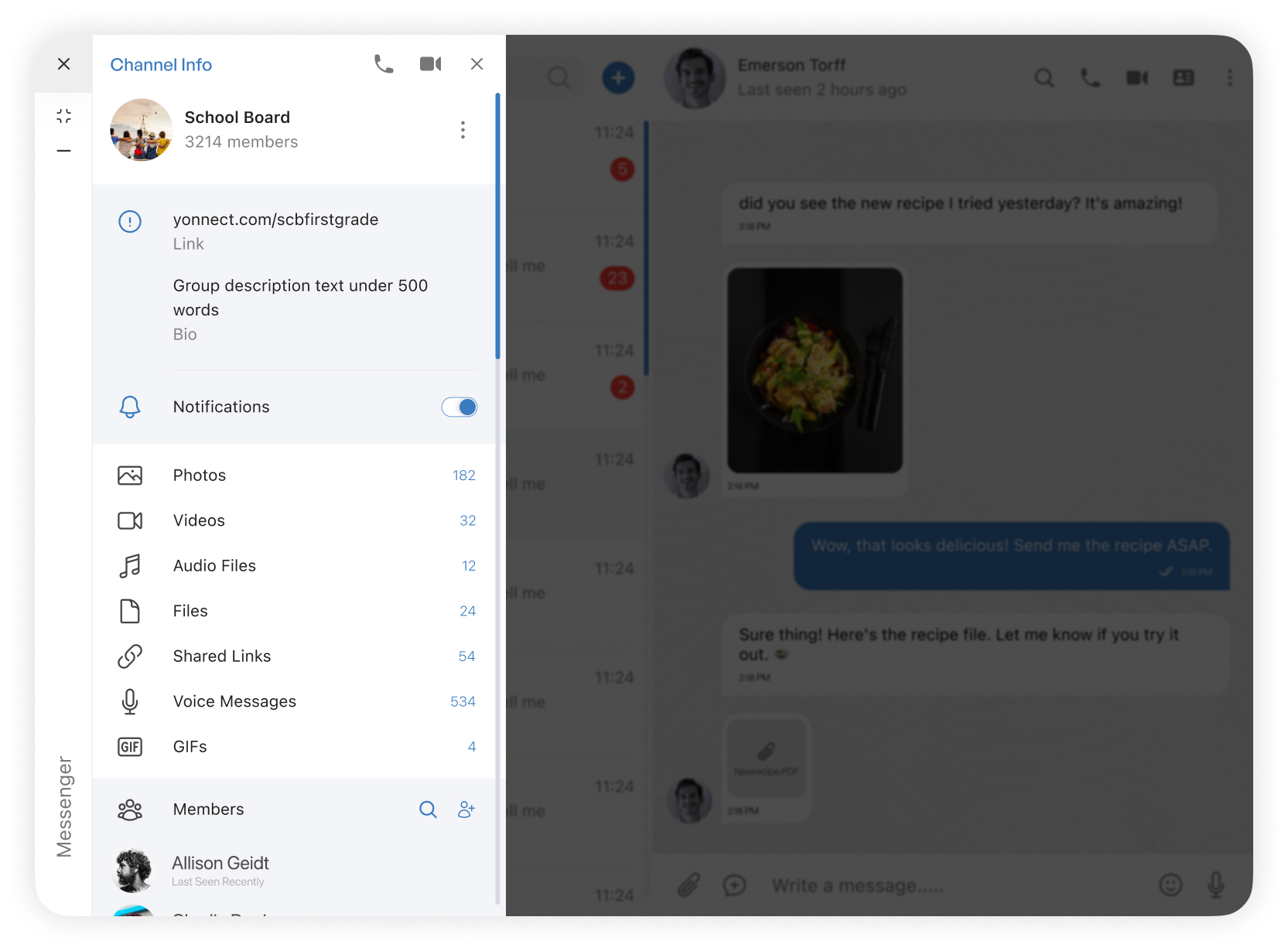
Channel Info
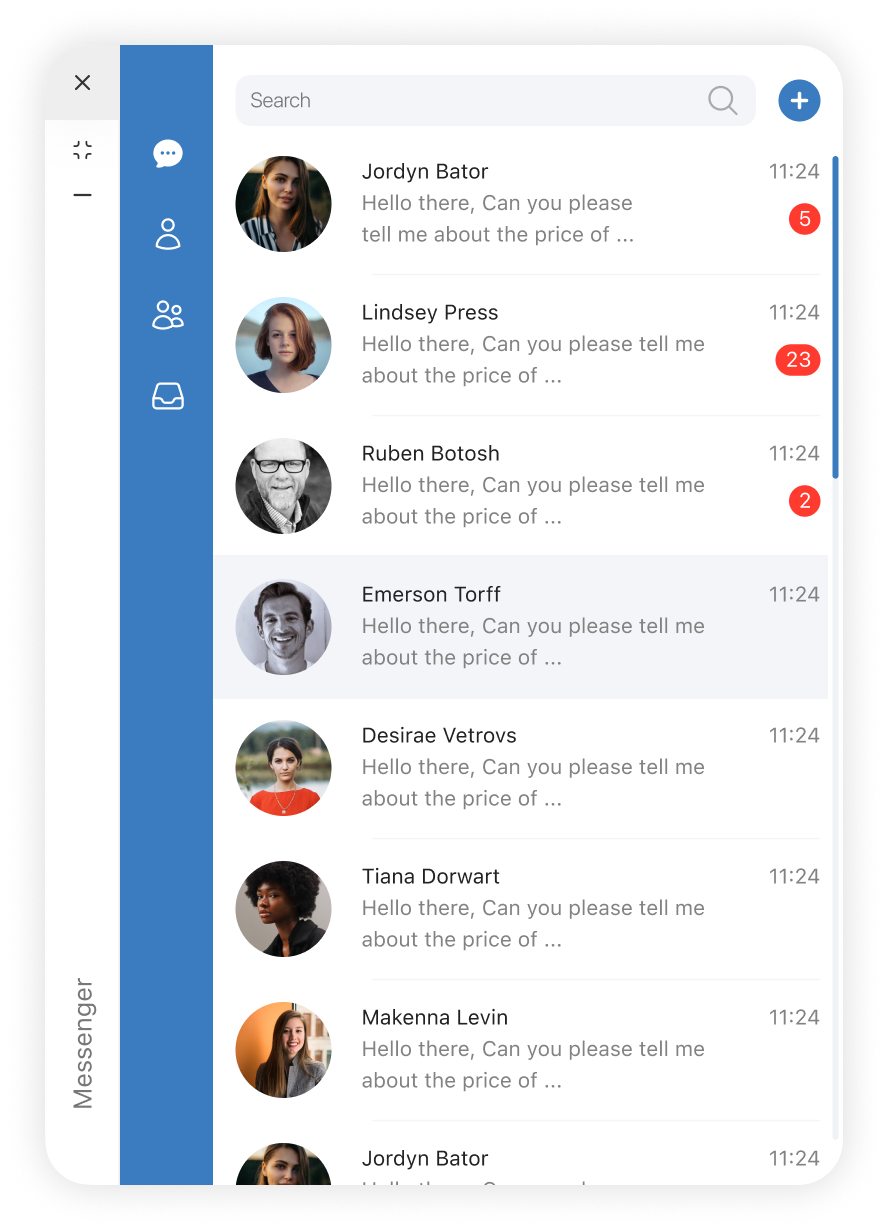
Smaller view
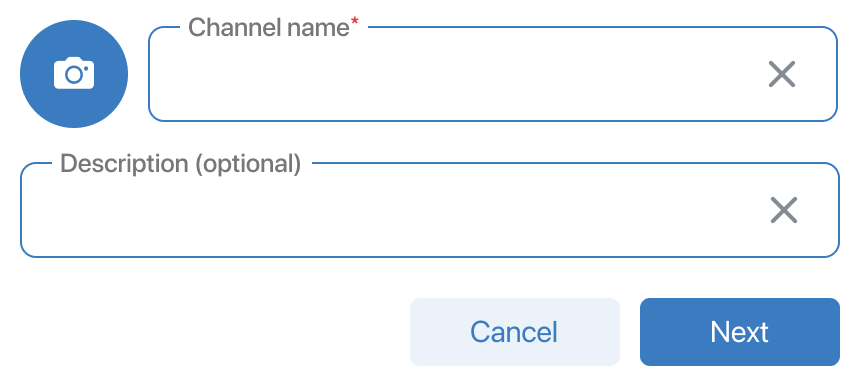
Create channel modal
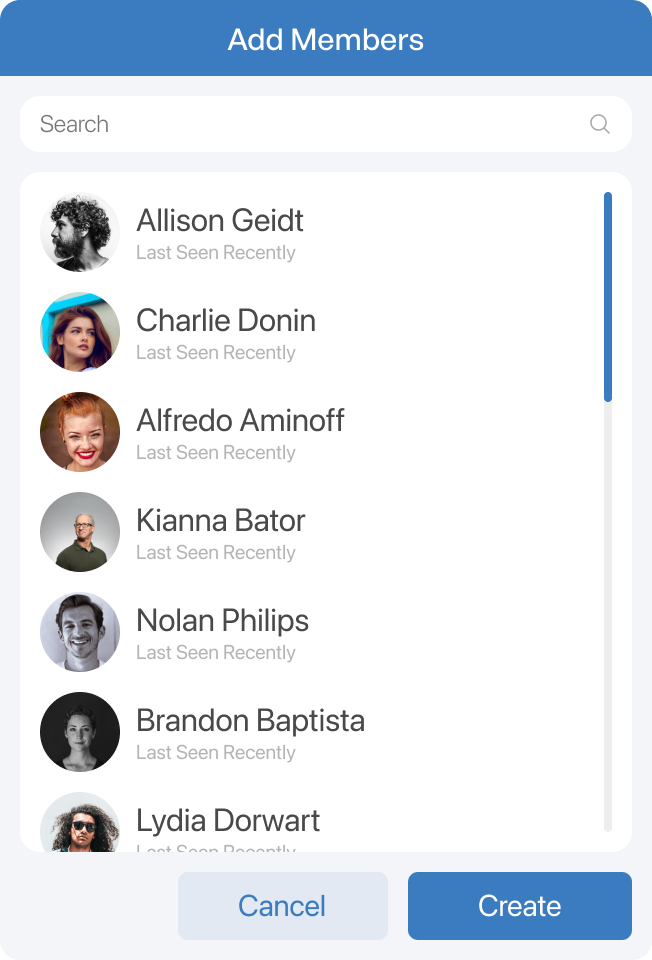
Add member modal
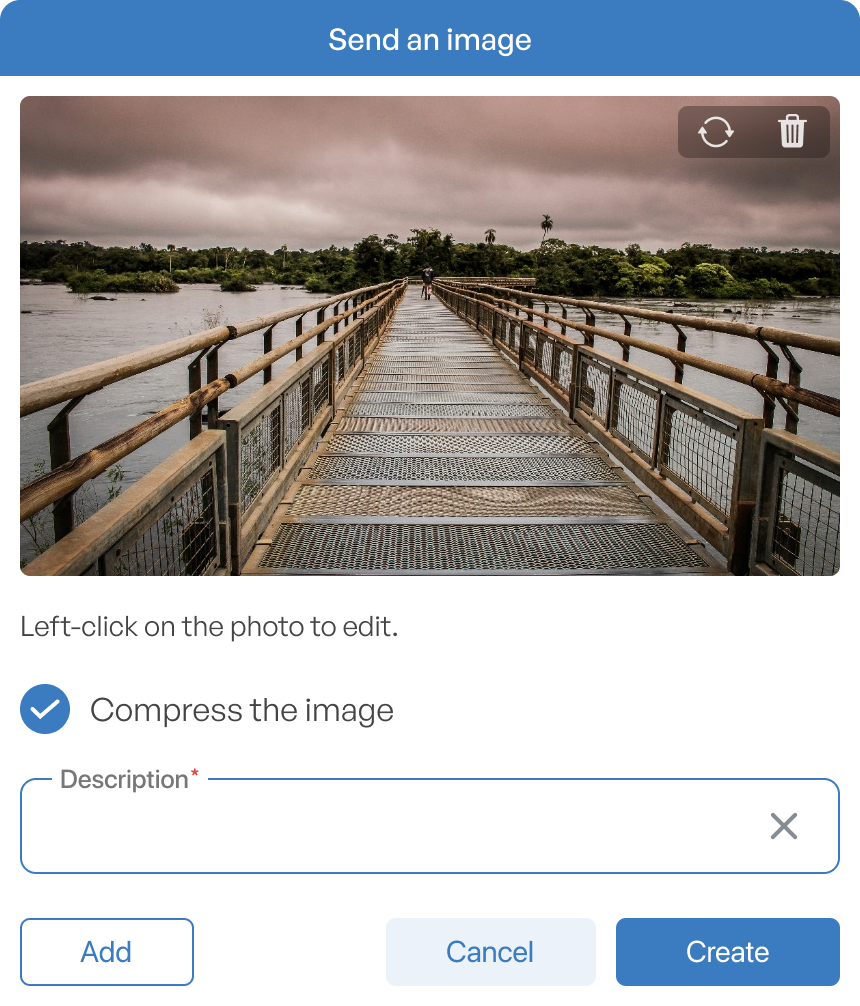
Send image modal
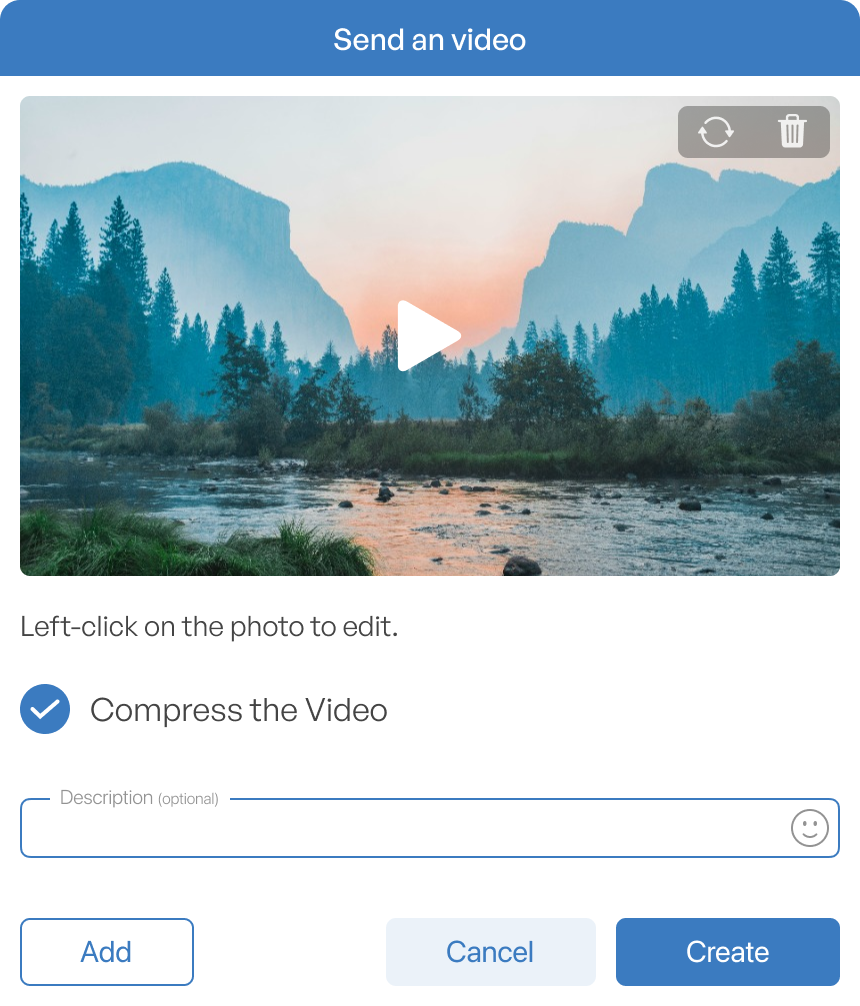
Send video modal
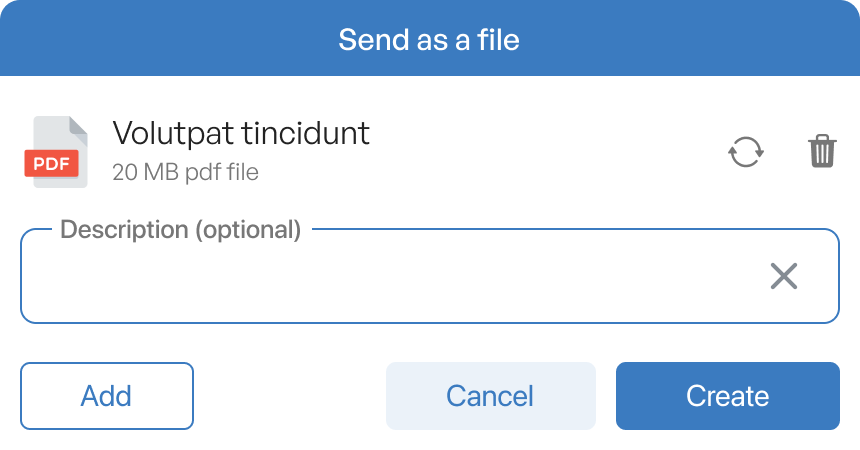
Send file modal
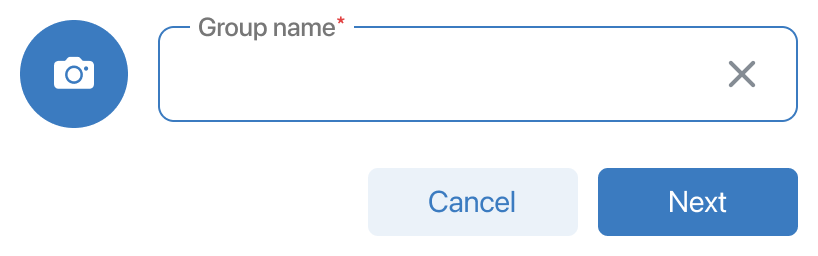
Create group modal
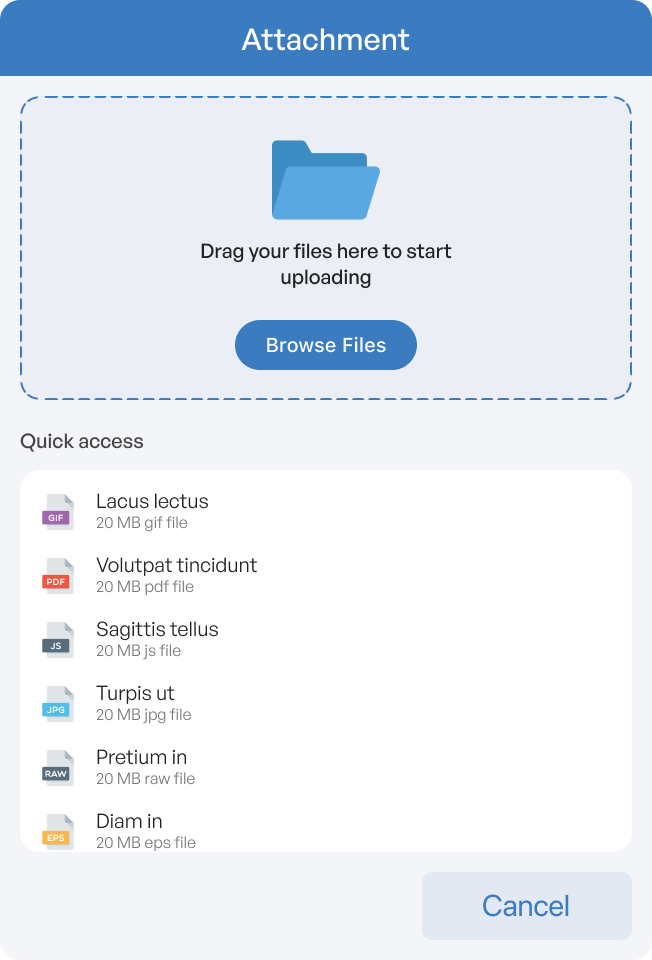
Attachment modal
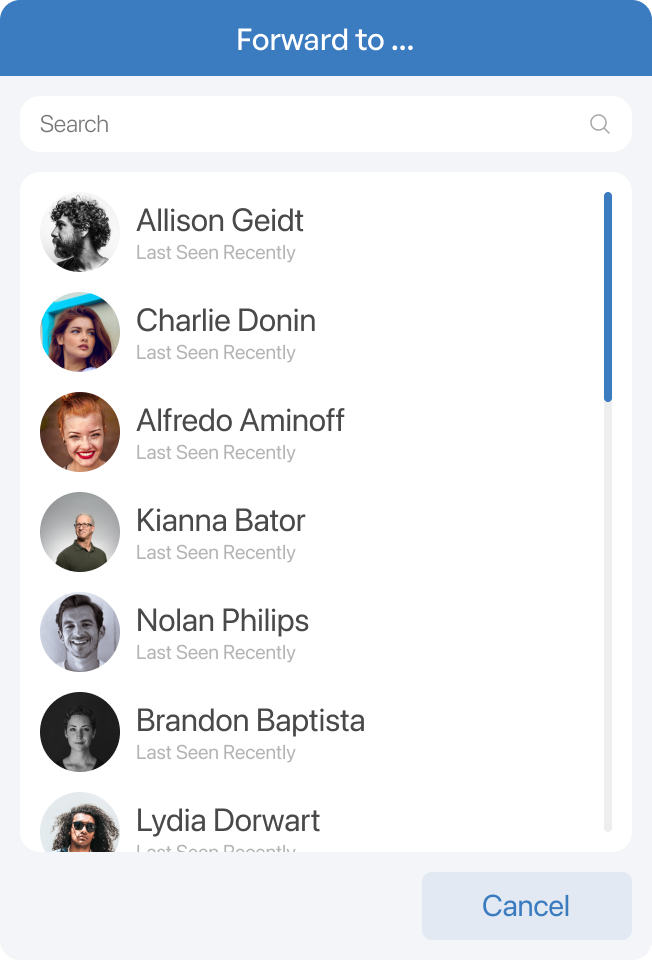
Forward modal
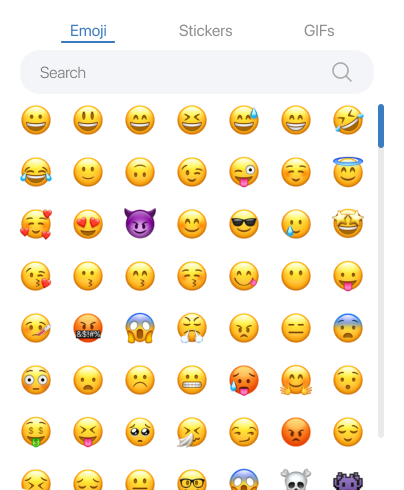
Emoji List
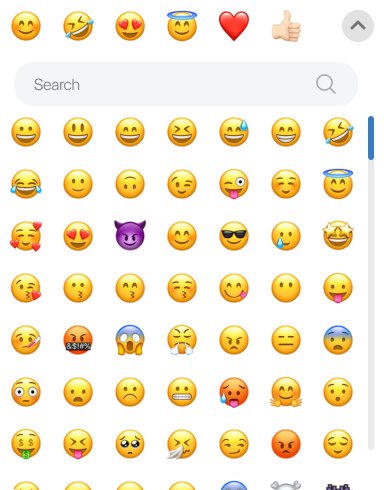
Emoji List (right click)
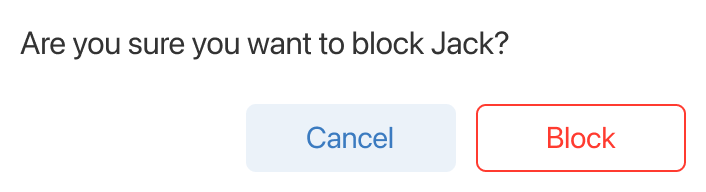
Block message modal
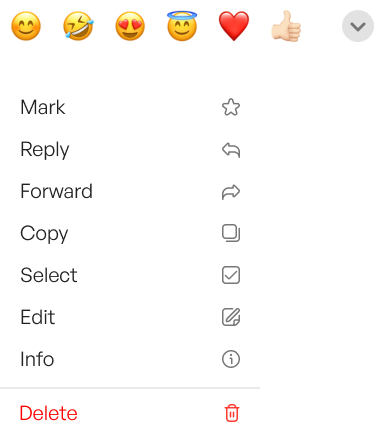
Chat option (right click)
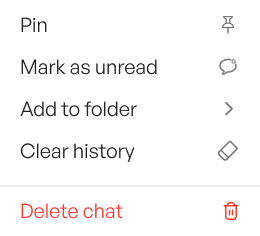
Single chat (right click)
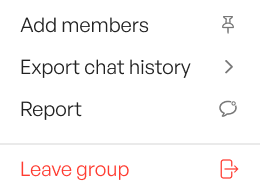
Group chat (right click)
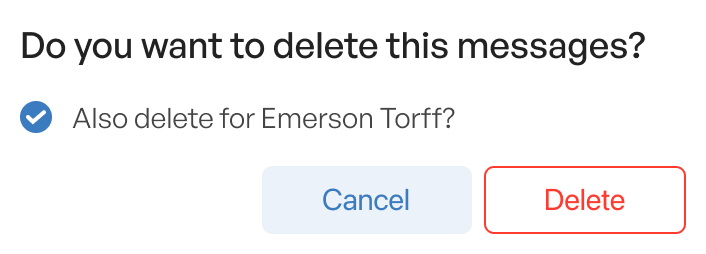
Delete message modal
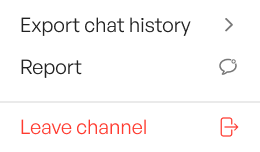
Channel (right click)
Nootbook Applet
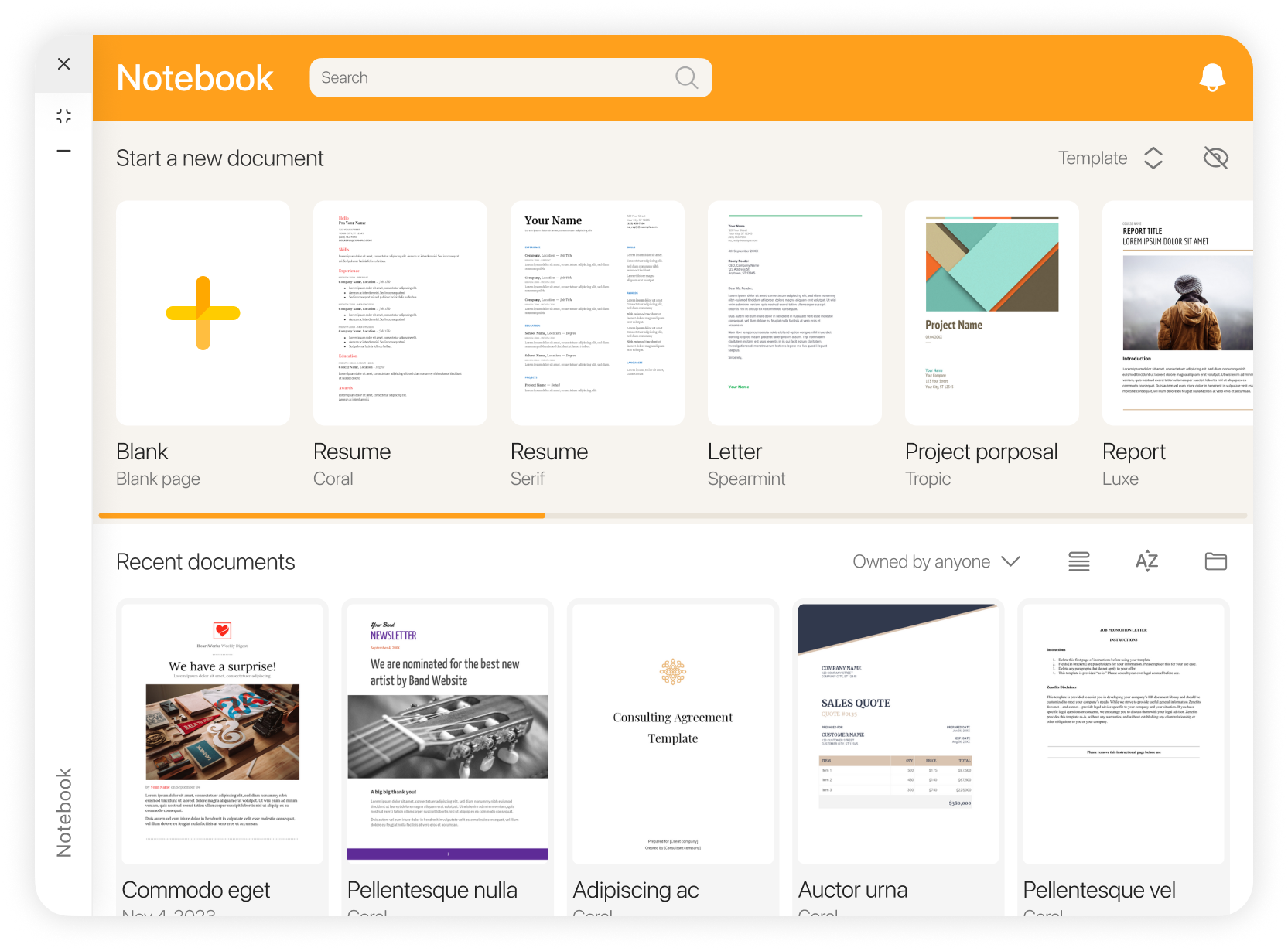
Start Page
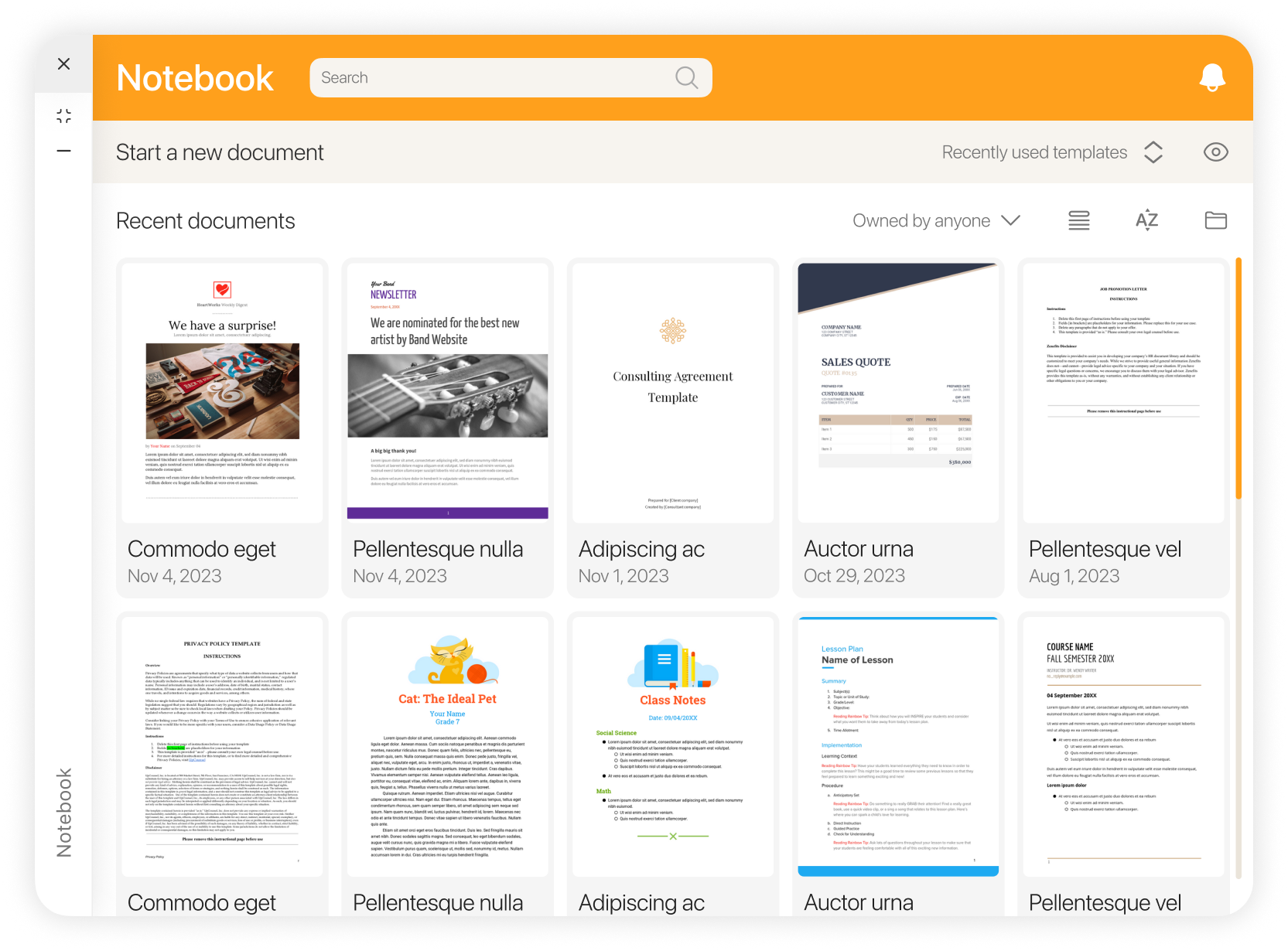
Temlpate hide
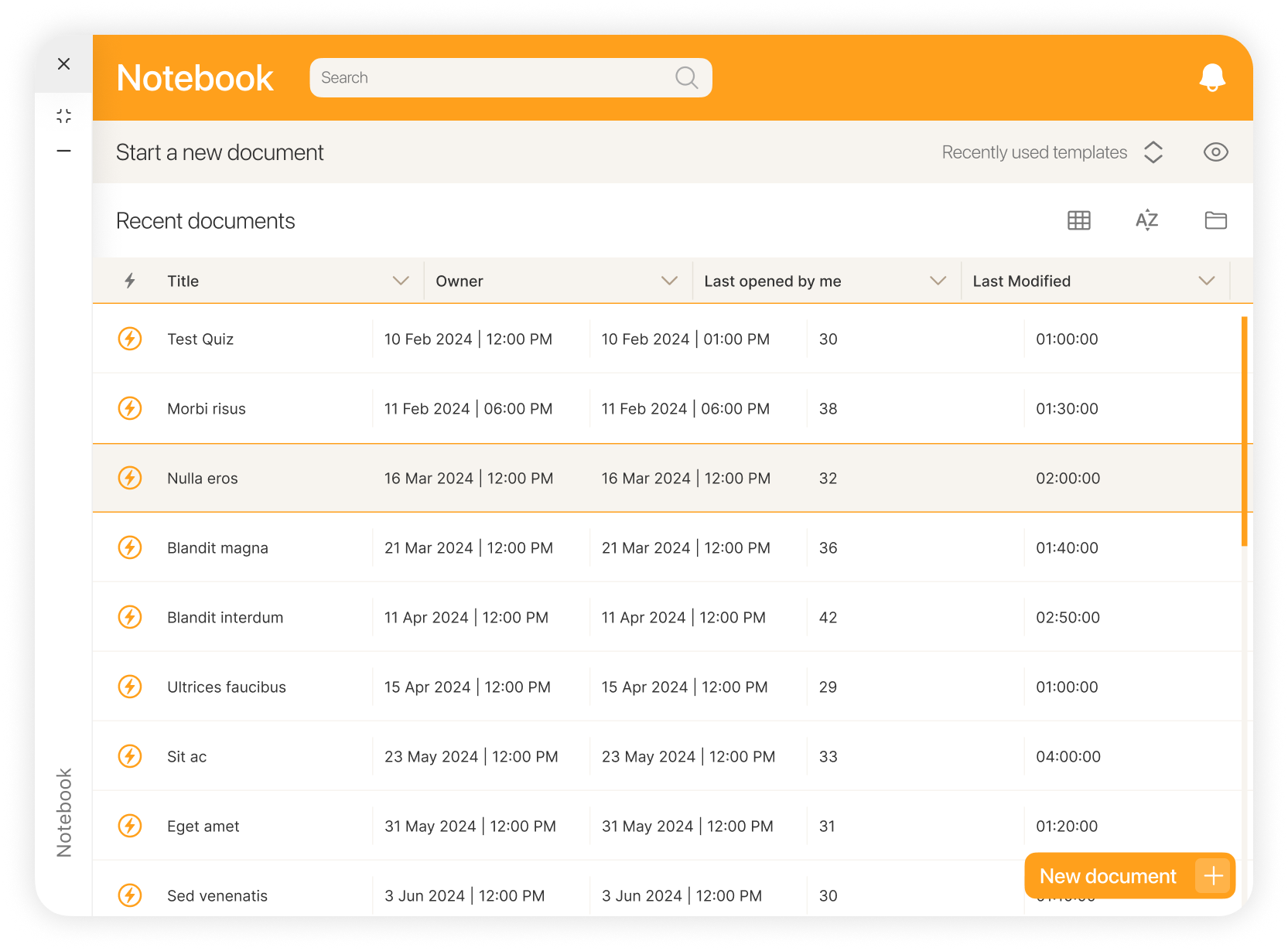
List view
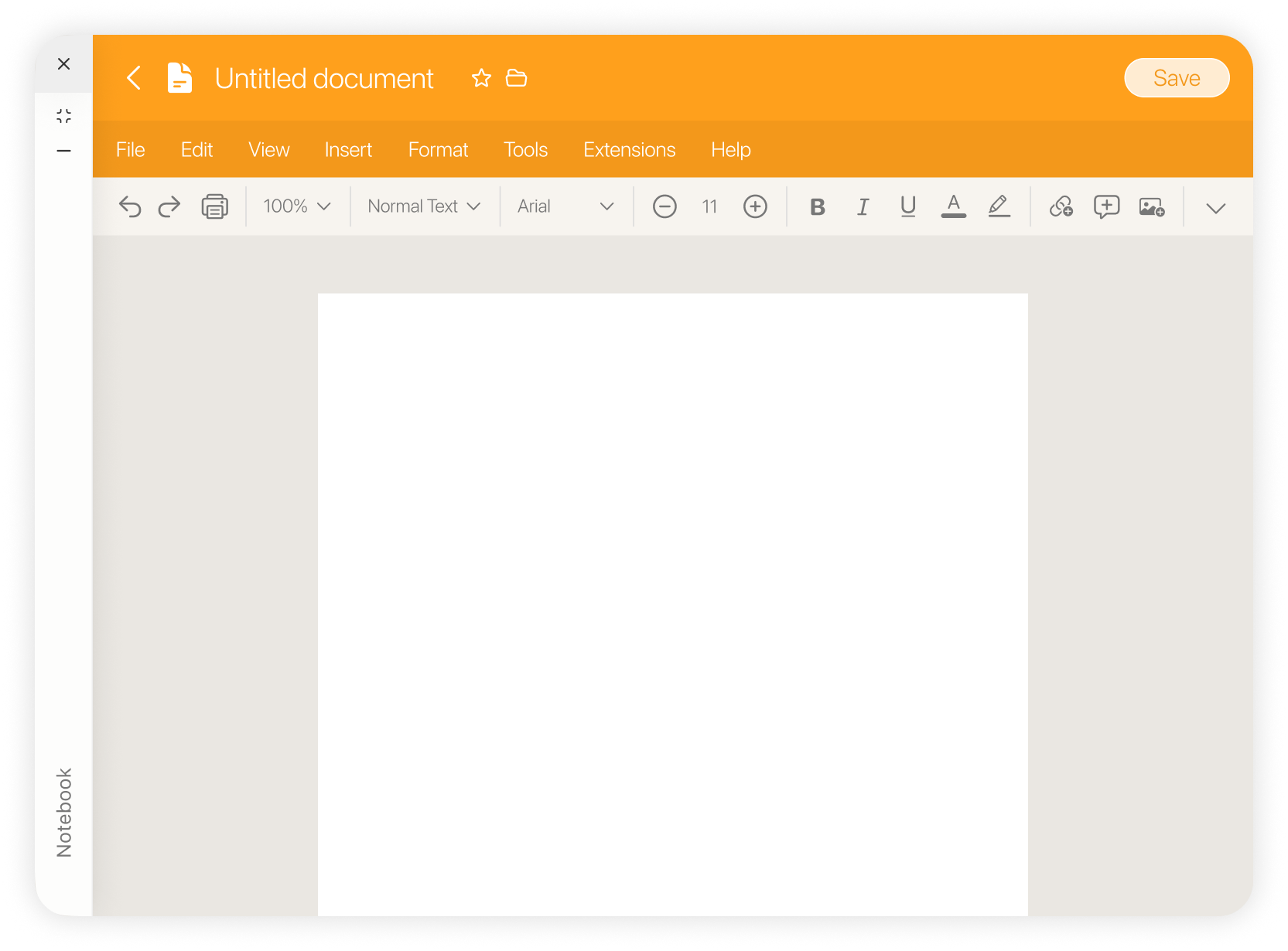
Document view
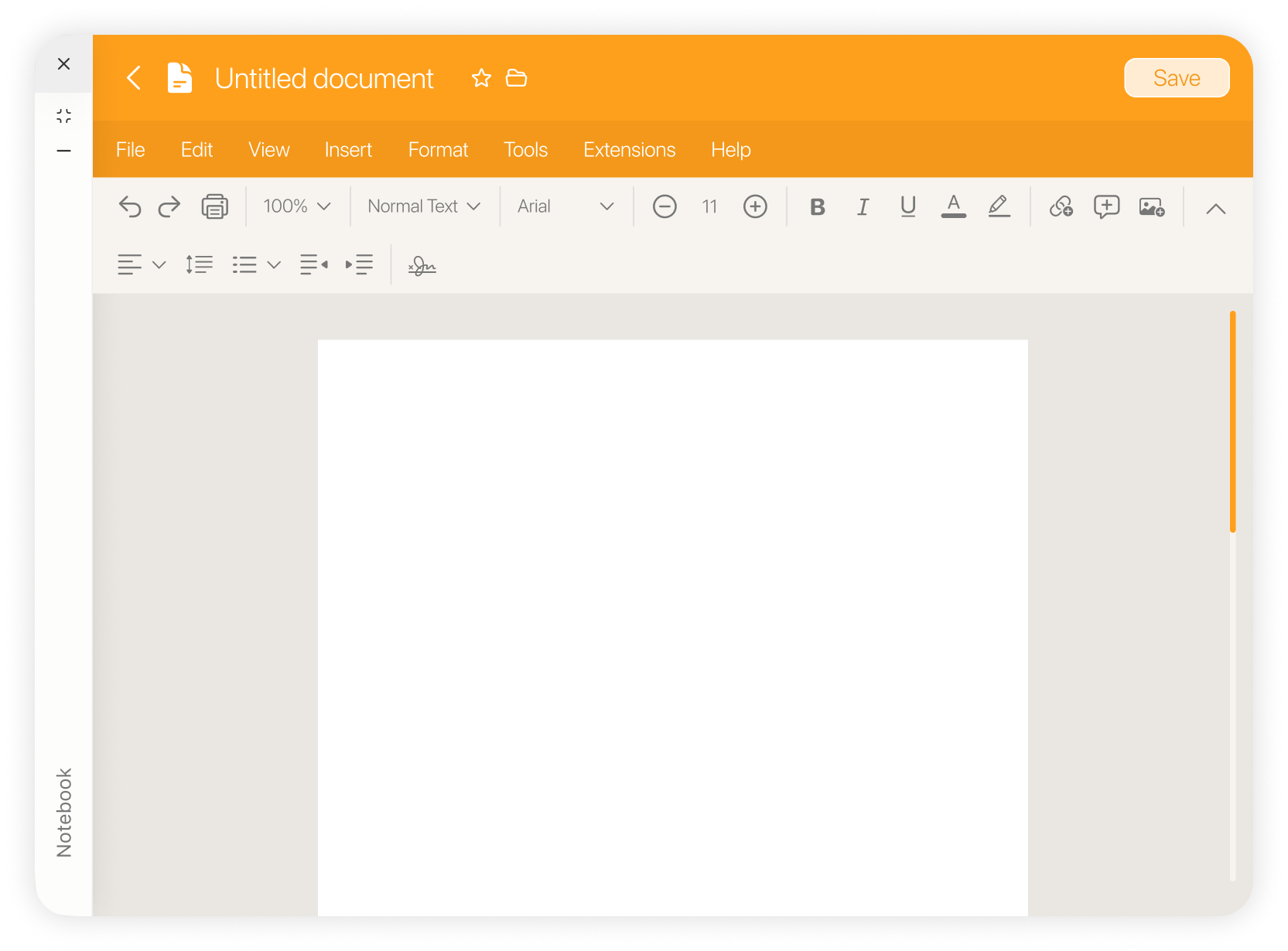
All tools
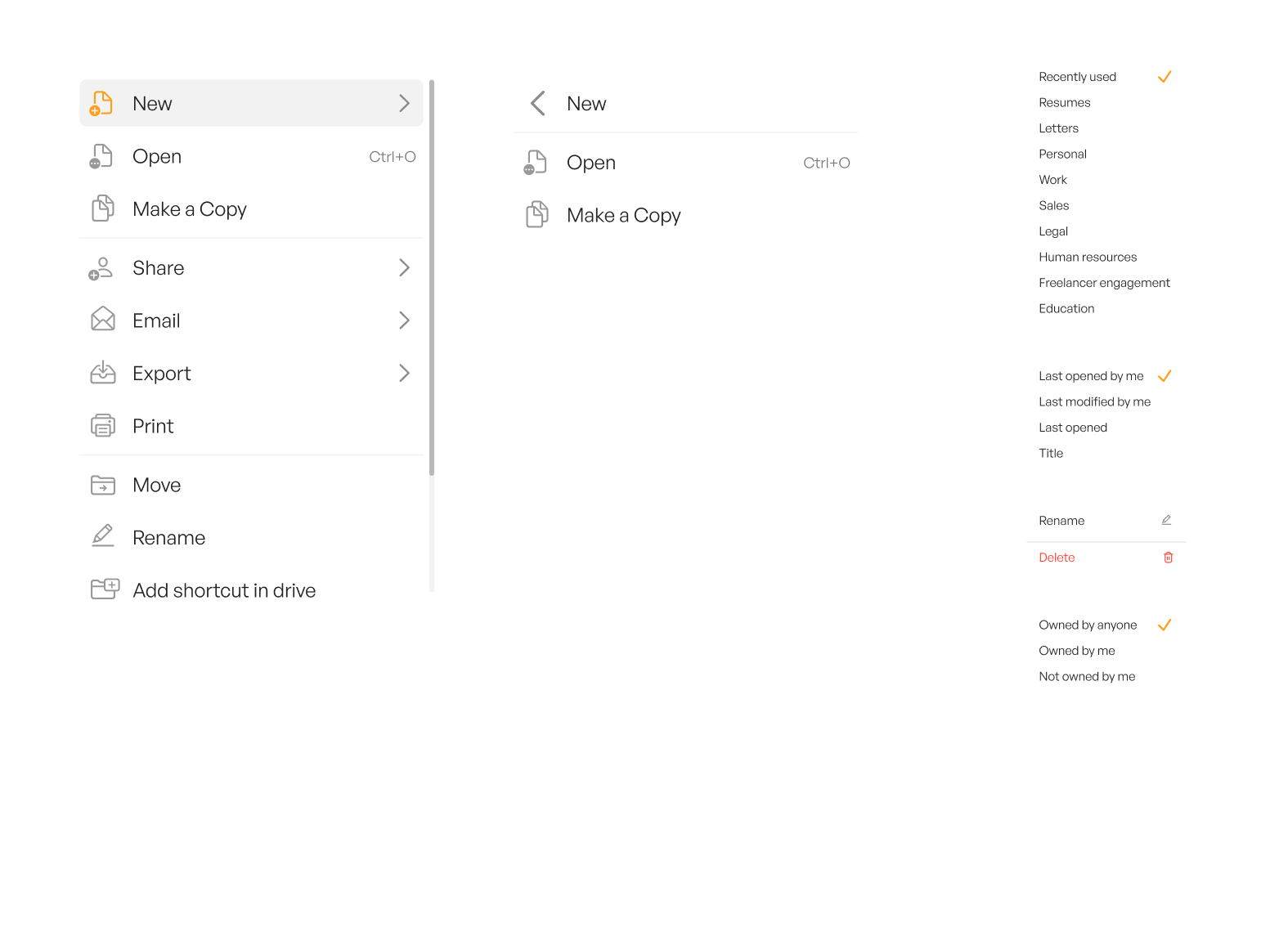
Right click style
Inquiry Applet
Inquiry Applet offers a dual-view interface: one for administrators, who can access both views, and another for users, who have permissions set by the admin.
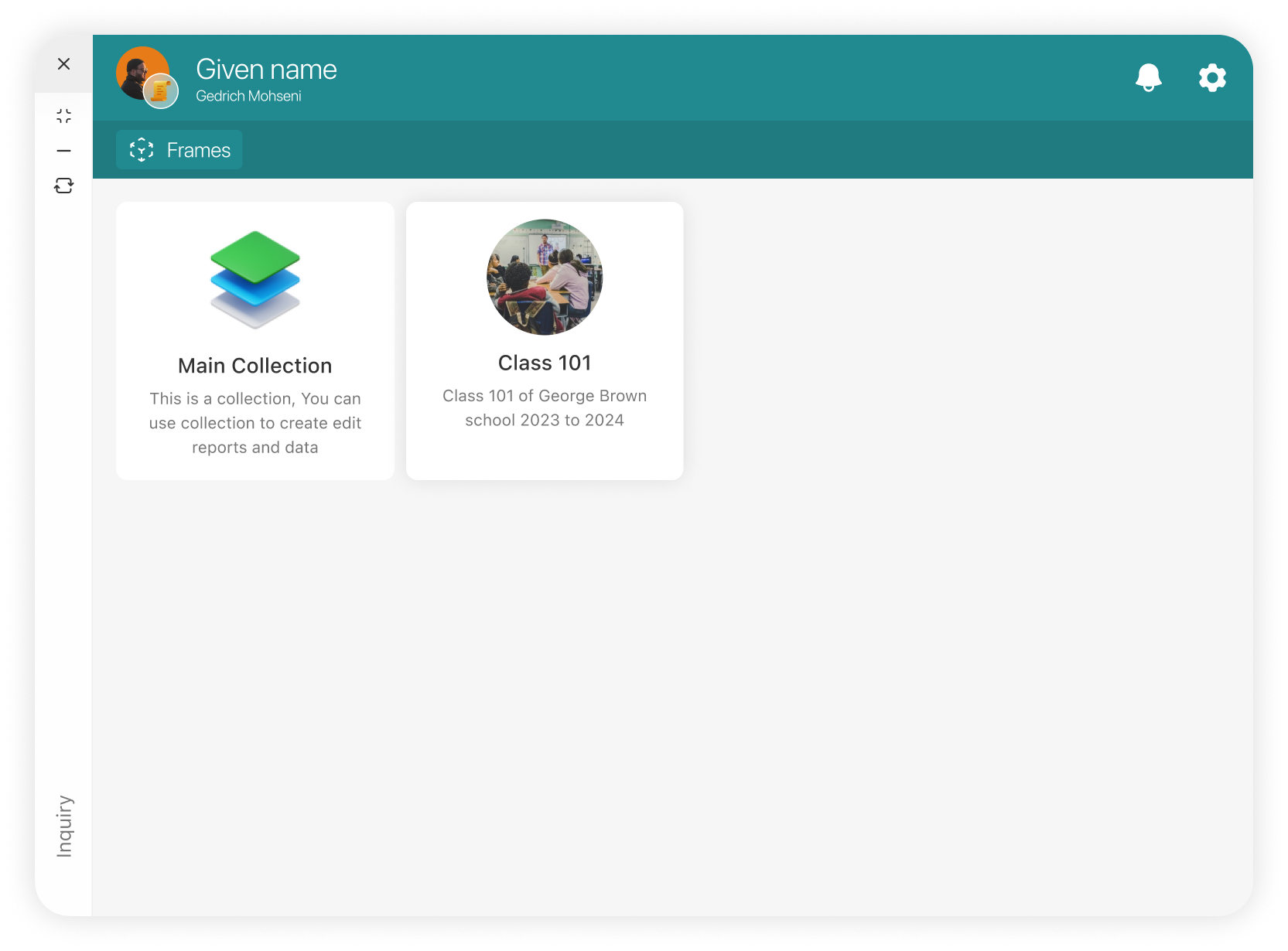
Admin view
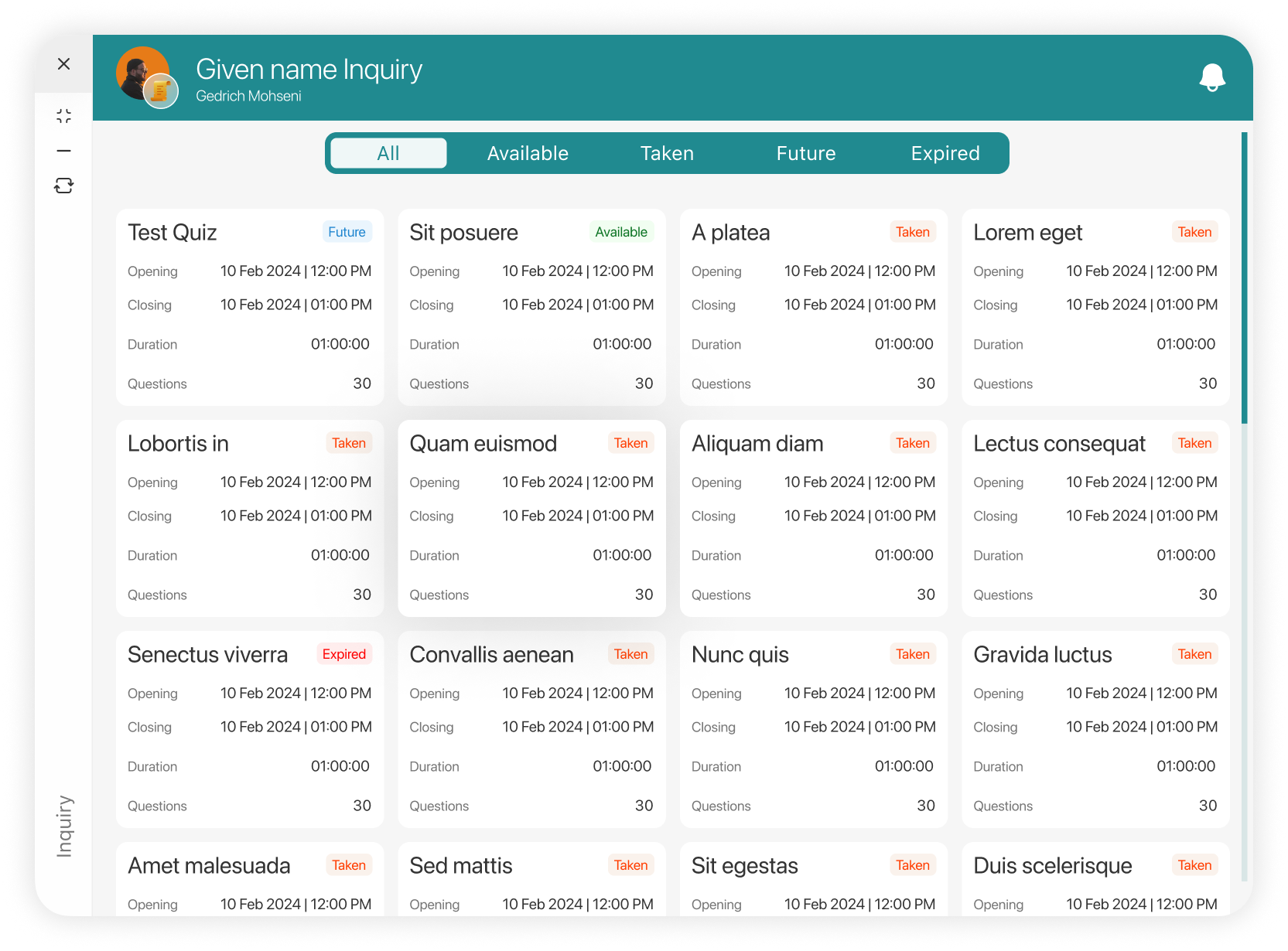
User view
The admin can easily switch between the two views using a convenient button located below the minimize button.
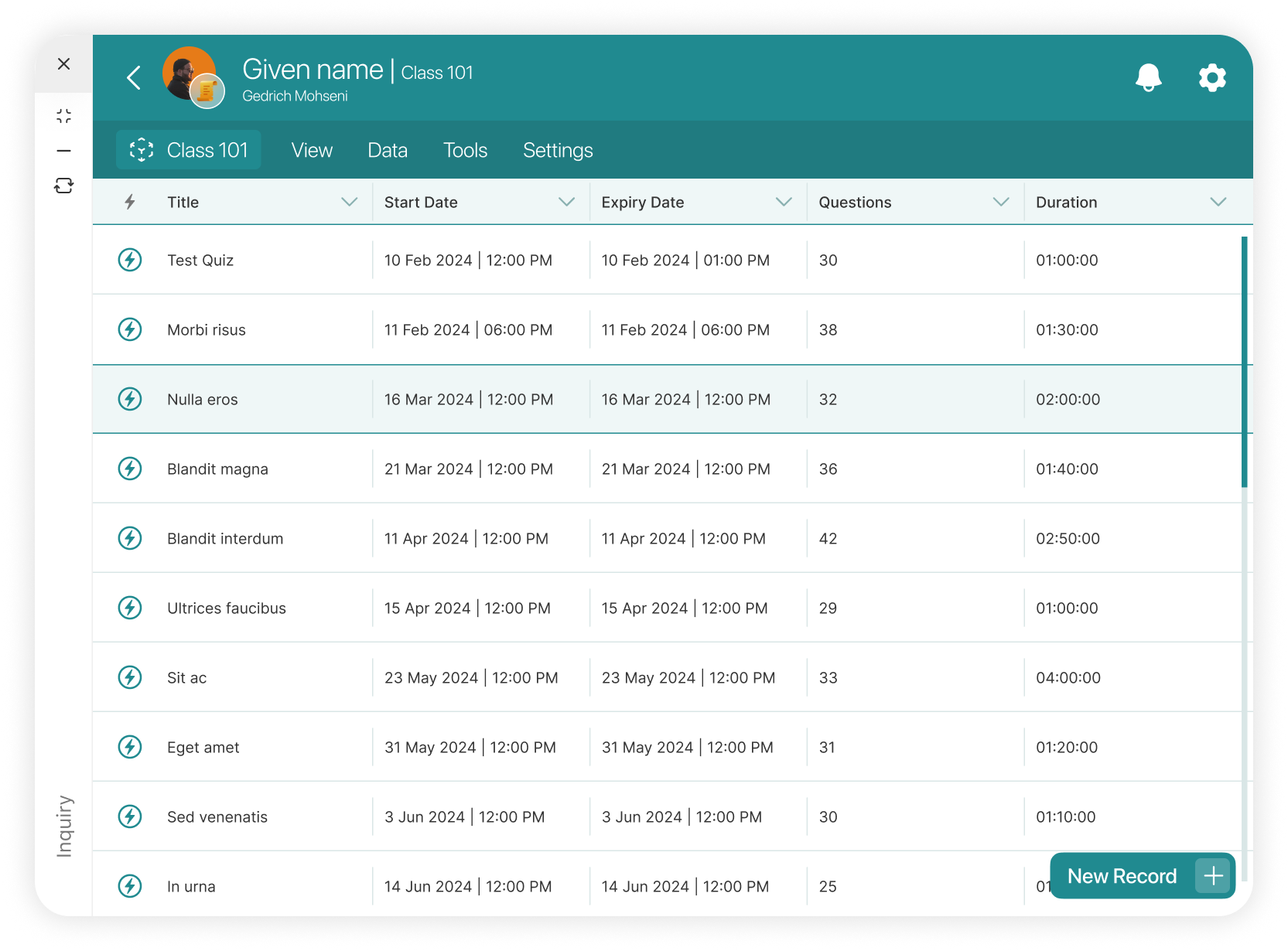
List view
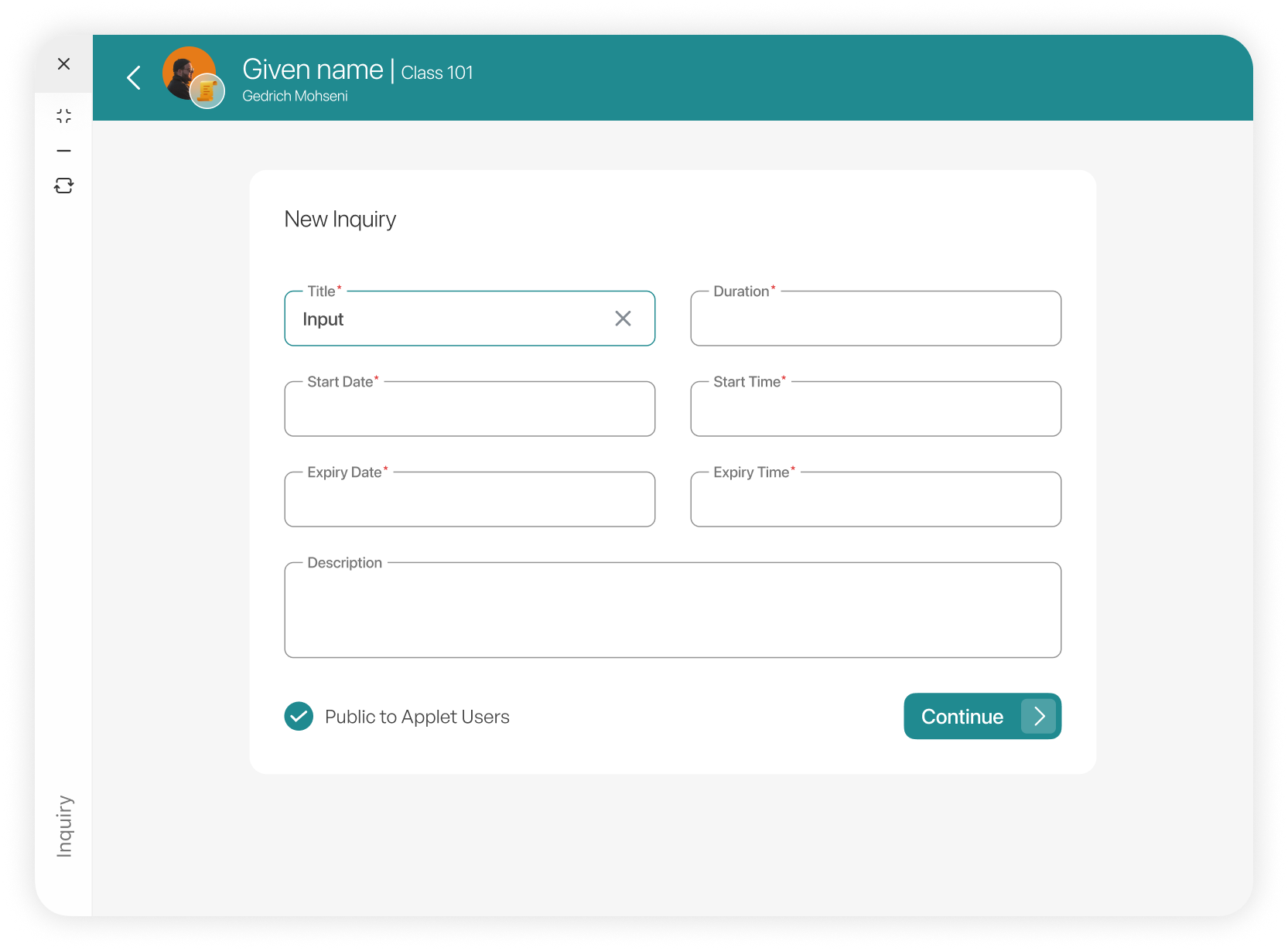
Creating Inquiry
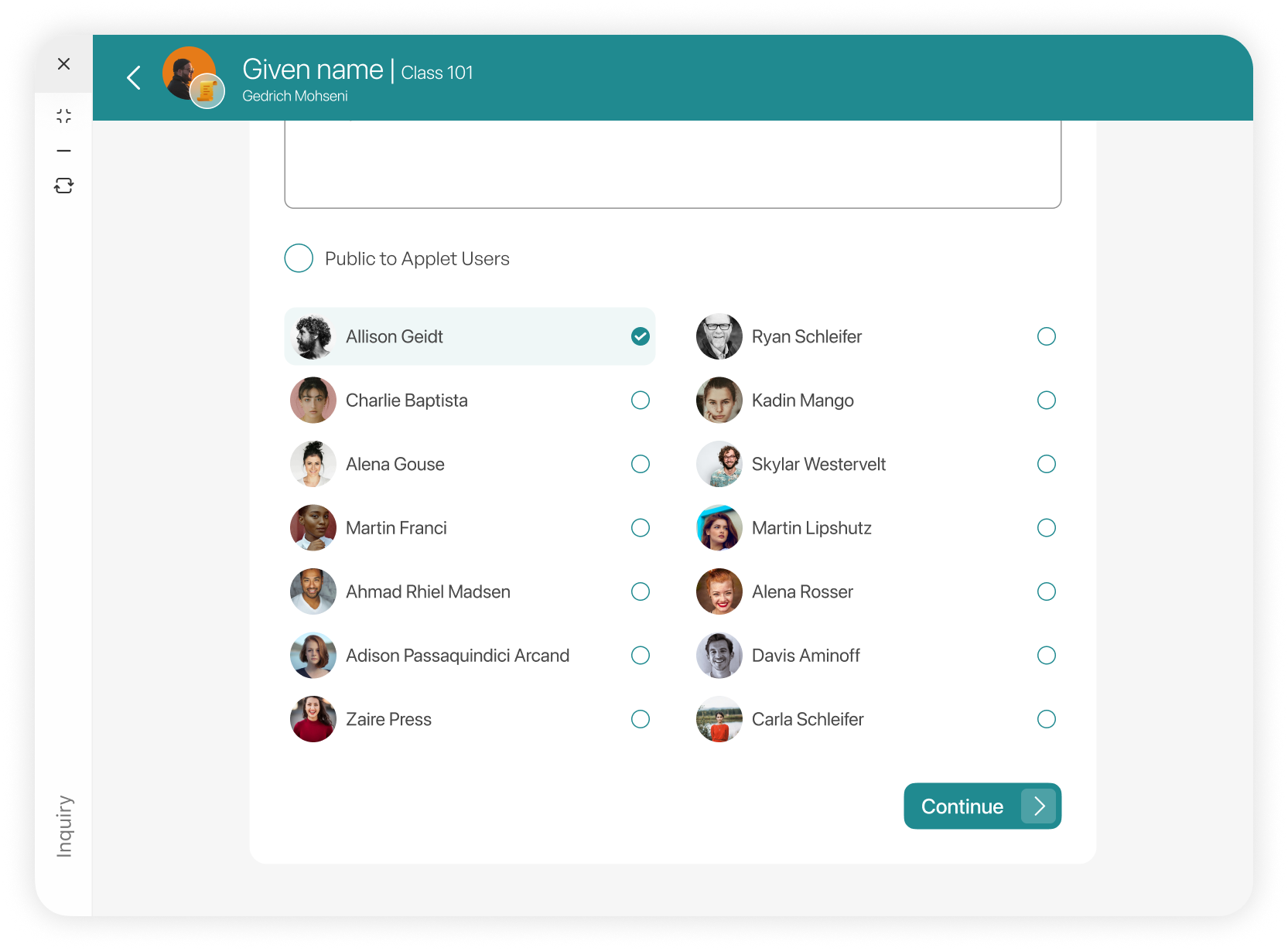
Creating Inquiry
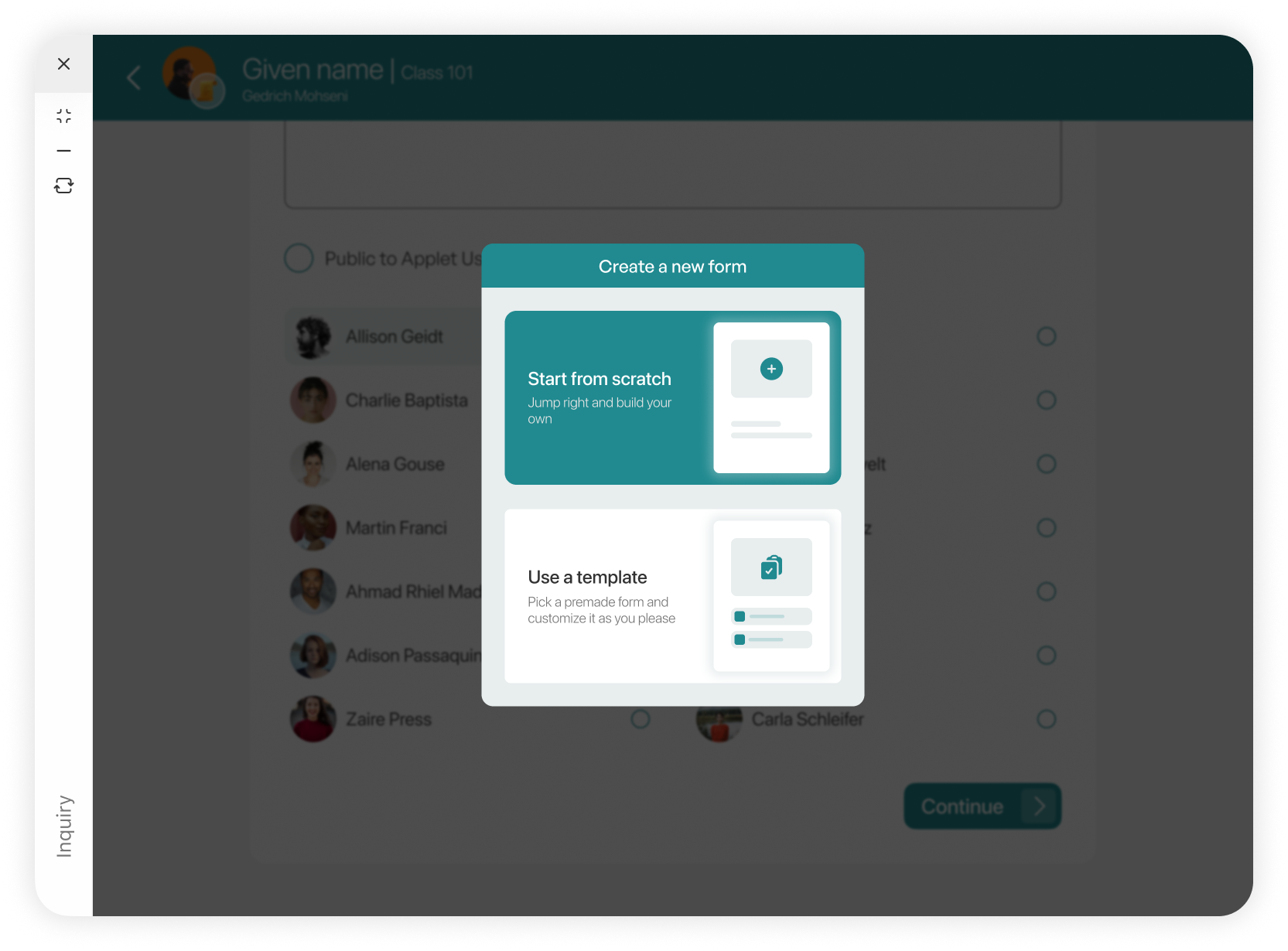
Form modal
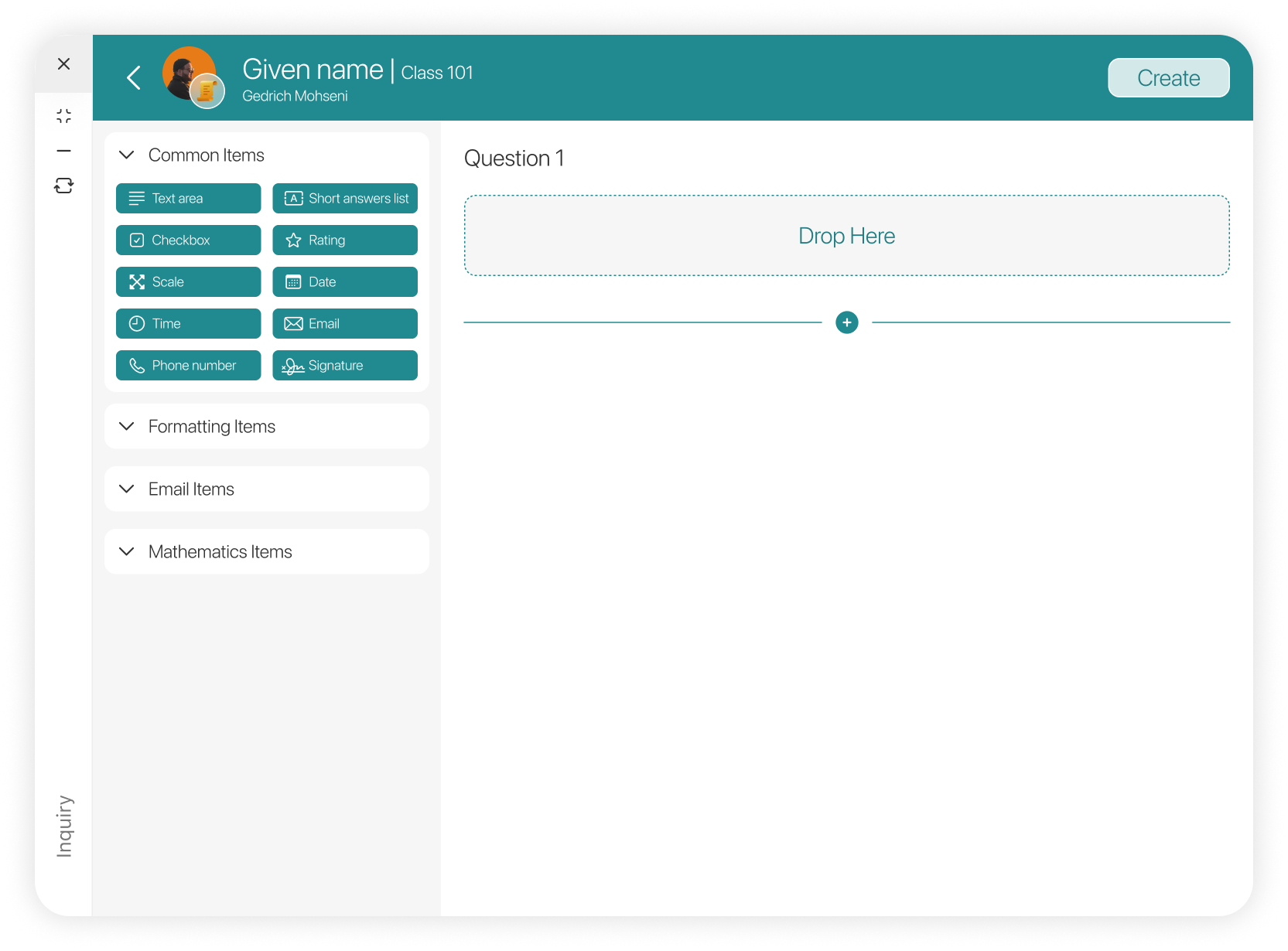
Form builder
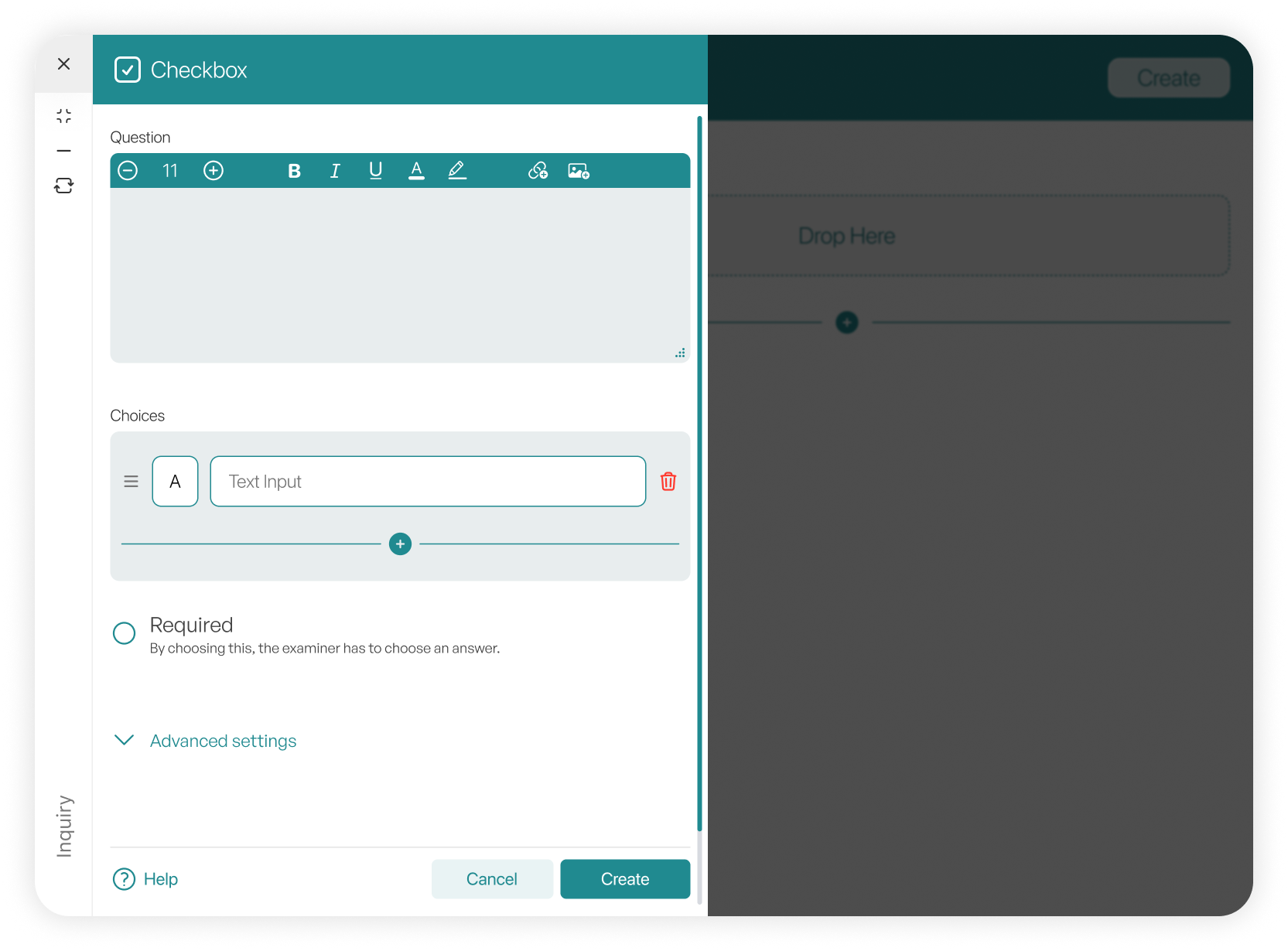
Checkbox form builder
We have also developed a comprehensive form builder, designed for use in areas such as inquiries, to create highly customizable forms.
Thanks for visiting!
Got questions, comments, or feedback? Feel free to reach out and contact me.